








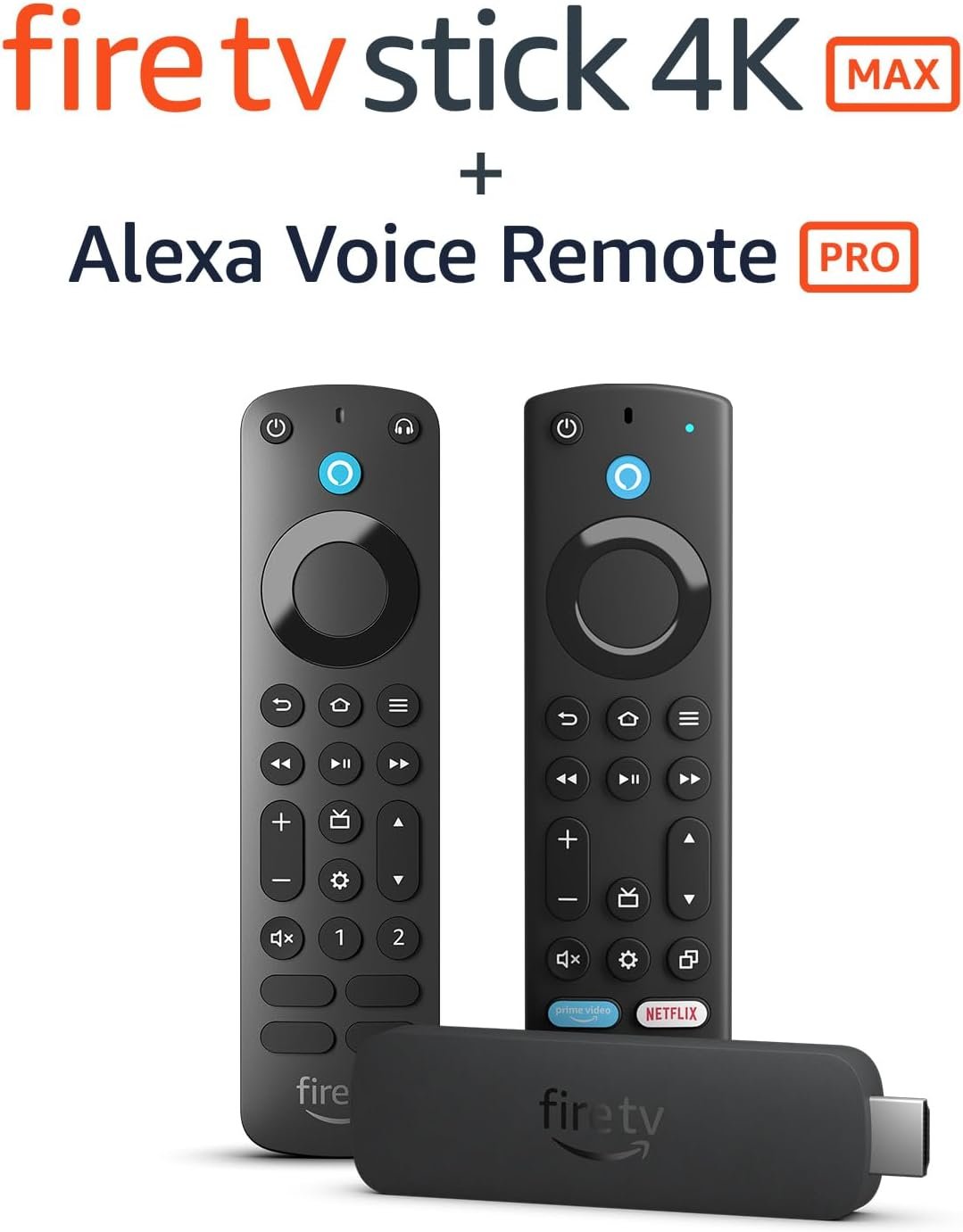


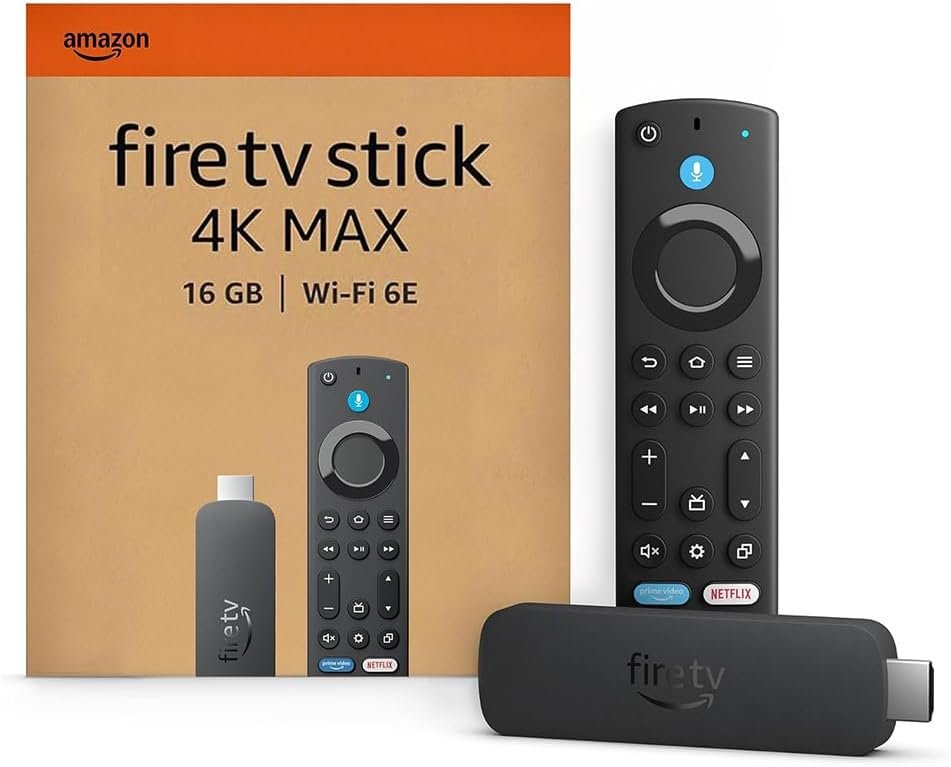


Fire TV Stick 4K Max + Mission USB Cable
- This bundle contains Fire TV Stick 4K Max and Mission USB Power Cable.
- Say goodbye to hanging cables and cluttered electrical sockets—power your Fire TV Stick directly from your TV’s USB port with our certified ‘Made for Amazon’ power cable.
- Mission USB Power Cable includes special power management circuitry that enhances the peak power capability of the USB port by storing excess energy and then releasing it as needed.
- Our most powerful streaming stick: elevate your entertainment experience with a powerful processor for lightning-fast app starts and fluid navigation.
- Lifelike picture and sound: enjoy the show in 4K Ultra HD, with support for Dolby Vision, HDR10+ and immersive Dolby Atmos audio.
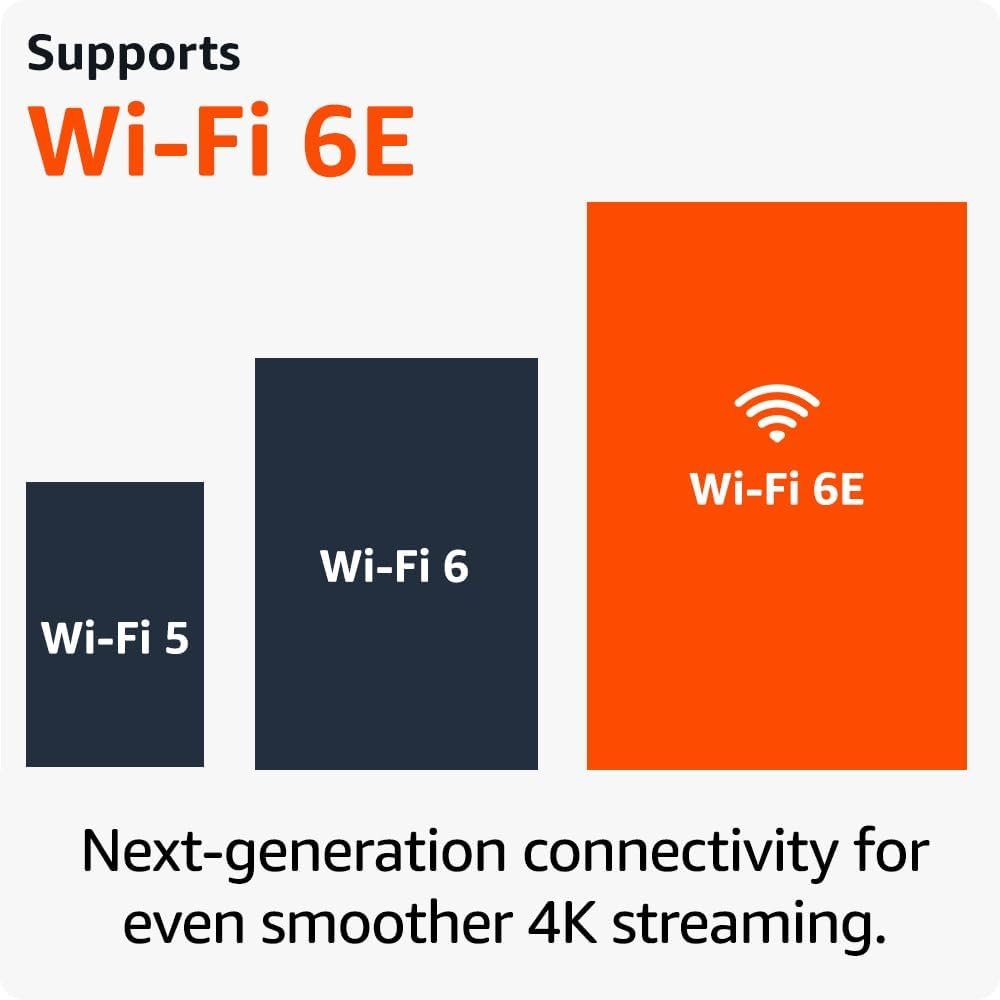
- Wi-Fi 6E support: enjoy smoother 4K streaming, even when other devices are connected to your router.
£91.98
Specification: Fire TV Stick 4K Max + Mission USB Cable
|
5 reviews for Fire TV Stick 4K Max + Mission USB Cable
Show all
Most Helpful
Highest Rating
Lowest Rating





MB –
Honestly, this little Fire Stick has been a game-changer for my TV setup. My smart TV is pretty good, but it was missing some of the key streaming apps I wanted. I bought this to fill in the gaps, and it’s done way more than that.Getting it up and running was a total breeze. The instructions onscreen are crystal clear and walk you through everything, so I was logged in and ready to go in just a few minutes.One of the coolest features is how it connects with my TV’s power settings (HDMI CEC). I can just ask my Alexa device to turn the TV on, and it fires right up to the Fire Stick home screen. It’s a small thing, but it’s so convenient, especially when I’ve misplaced the remote and just want to shut everything down for the night.I was also genuinely surprised by how snappy and responsive it is, even when I’m jumping between heavy duty streaming apps. It did get a little laggy once over the last few months, but a quick restart fixed it immediately, and it’s been smooth sailing ever since.I’ve been using it every single day for about five months now, and I haven’t had a single problem. If your TV’s built-in apps are slow or you’re missing out on some services, I would 100% recommend this. It’s a simple upgrade that makes a huge difference.
“d_formby” –
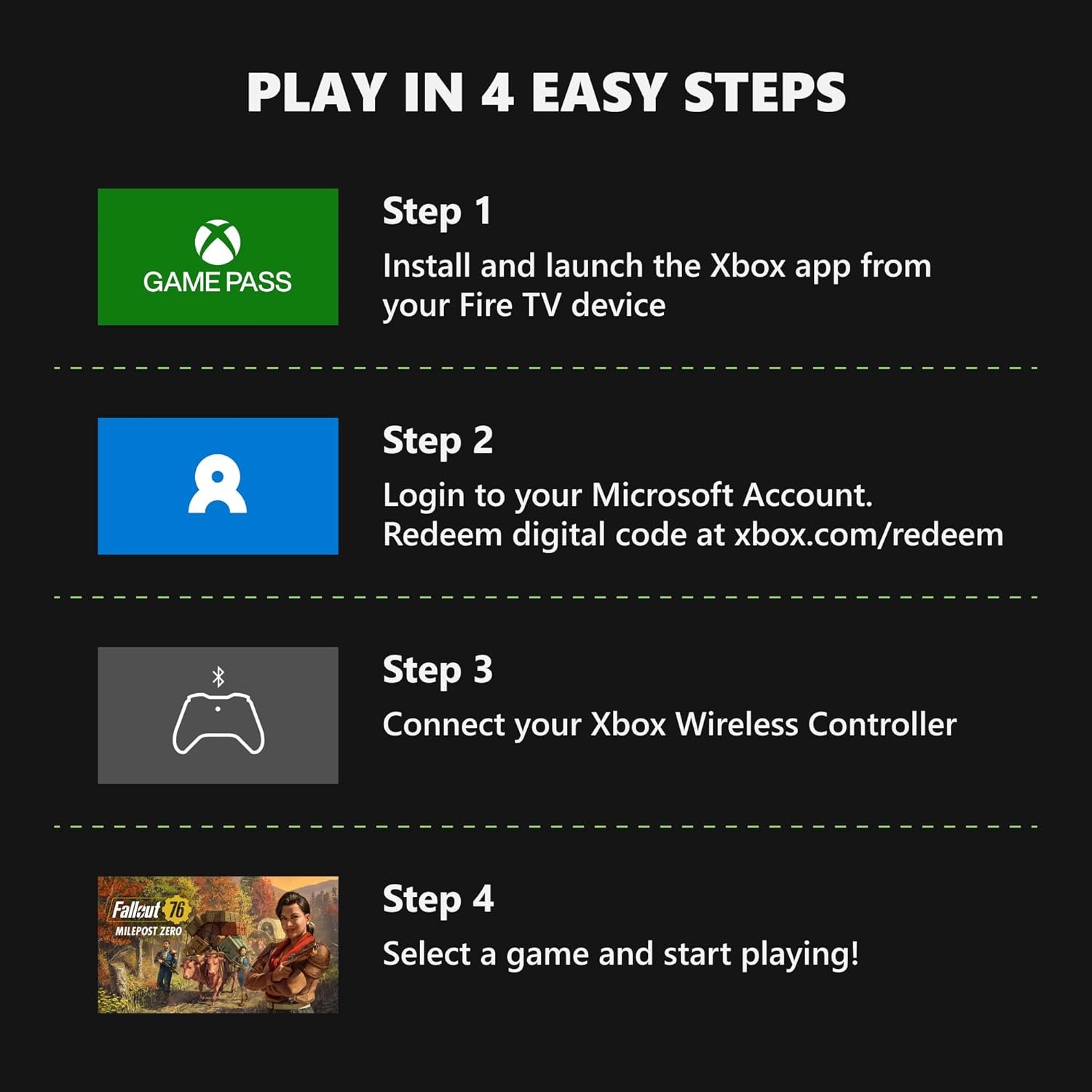
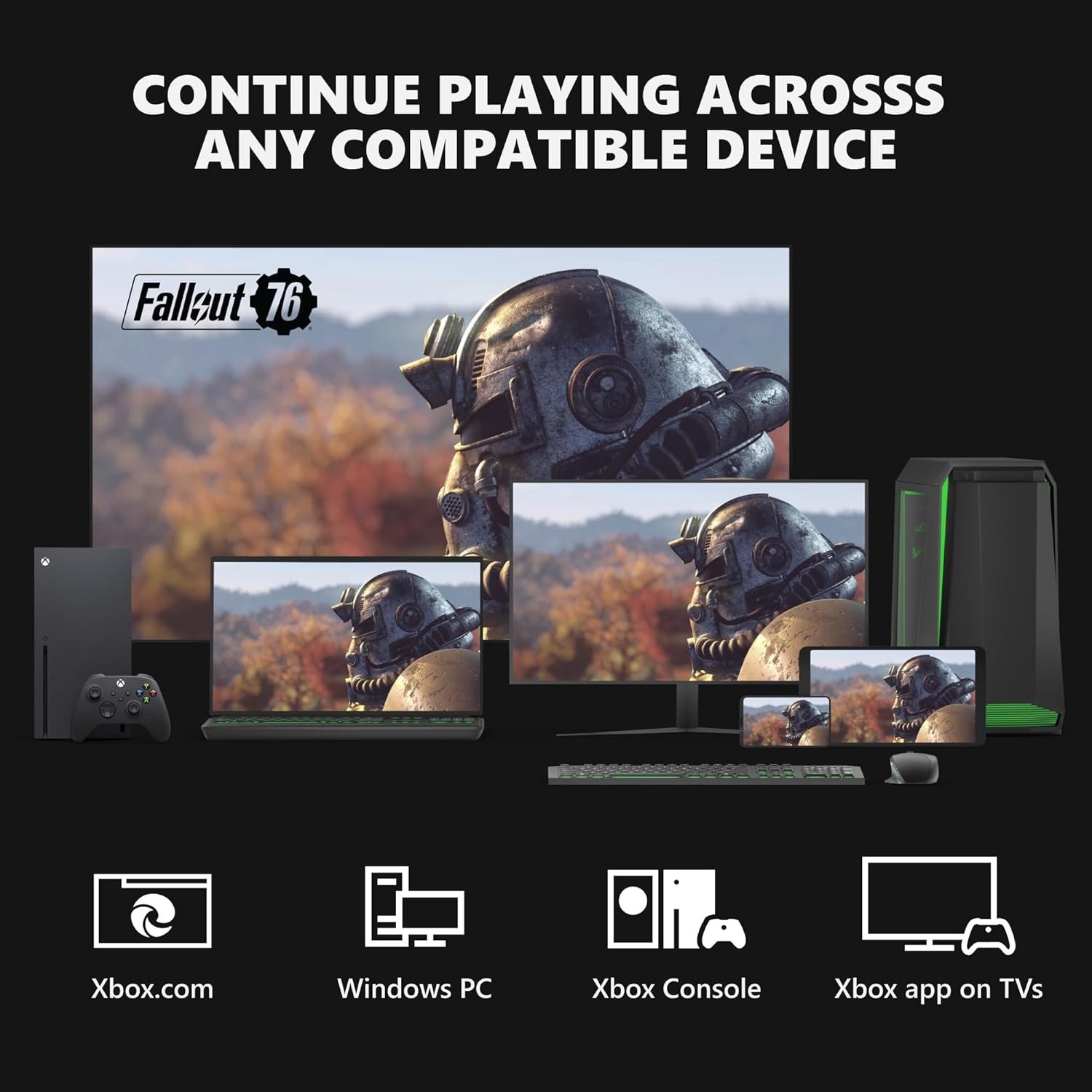
This product has really improved an inexpensive big HDTV (£300, a year old) that I bought, and I felt the TV did not have the best OS. The Firestick 4K Max is a superb OS with high streaming quality and good synchronisation. I found it easy to use, plug in and to find and install my apps. I synced all my favourite channels onto a live guide, and the picture quality is very good. It found most of the channels, downloaded them quickly, and I only had to manually scan for a few more, which wasn’t hard. I logged into my paid Xbox account on Game Pass and paired my controller. It processed the games very quickly, with very little lag or latency, with no need to turn on the console. I also have another Fire TV so I liked the familiarity, but that one has a slightly older OS so there is no Xbox app on that one. This one is much better, very quick. For £50 this is a good buy if you are looking to improve a low end TV or need mobile gaming, and quick IPTV synchronisation. I like the remote, personally. Well done Amazon!
Cherrie –
I bought this a month ago but haven’t had the time to use it until now. I went with the Amazon TV Stick 4K Max edition after comparing it against the others. I found that this one is much more advanced and capable of future technological advancements in both TV’S & WI-FI capabilities. The picture is a lot clearer, for example when watching underwater species, the picture comes to life and is so detailed.The homepage is much easier to navigate. Battery life is significantly longer than it’s predecessors. It is very easy to set up and use including enabling volume control and even being able to ask it to power off the TV. There is a vast amount of entertainment available which in itself is invaluable. Picture quality & sturdiness of the fire stick is second to none. I would definitely buy this again and I recommend this to anyone thinking of buying a fire stick. It’s well worth 5 stars🌟 🤩. I’m thinking of buying another 1 as a gift for a family member. Thank you Amazon for this amazing product.
⭐️Vine Reviewer since 2020 –
I wanted to update my older fire-stick, we currently only have one in the home.This fire stick threw me a little, I am ok techy wise on some things, but as you know, one minute it is new, next old stock.This Fire TV Stick 4K Max streaming device supports Wi-Fi 6E, Ambient Experience and 16gb instead of my older 8gb stick.I ordered the fire stick around Black Friday so the cost was cheaper, I wouldn’t pay nearly £70 for one.When the fire stick arrived it was all boxed so precise, really nice, everything in place.Once everything was out of the box I put the new fire stick in my tv port and plugged the device in. Now some people have mentioned the fire stick, should be plugged into the main socket in their reviews. I have my tv quite away from the mains, so I have an adapter and plugged it in to it. Started up well. You will need your mobile if you prefer to set up via QR code. With the plug ( yes it comes as standard) it isnt that long, in the box is an extension, I’ve not used it, but kept hold of it just in case. The extension is super small.So everything was going great, however there is always a BUT… basically nearly finished the set up and what is different between my old fire stick and this new one, you have no choice but to add Alexa or cube speakers to the fire stick. Meaning this.. I was downloading things I liked to watch, ie Netflix etc, then I could hear voices coming from Alexa🤔 my remote also would not work to increase or decrease the volume, I could see the picture, but no volume in the bedroom, only Alexa playing the film through Alexa speakers.I had to remove this and googled how to do it, what Google was telling me to do, I couldn’t unpair it. So back to the drawing board, I reset the fire stick back to factory settings, I thought that would remove it. How wrong was I, it just didn’t work.So I went back on Alexa settings again and looked around, and yes it could be done.If this happens to you, please follow these instructions, if you don’t want it.1. Open the Alexa app2. Open more, and select settings3. Select TV & video service provider ie fire-stick4. Select unpair.Everything worked after that. I tried to set it up differently the second time, I wanted the fire stick to remove all the old stock I had on my previous fire stick, all the movies etc, but it doesn’t, possibly because Amazon has everything on me. worth a try though, so back to manually deleting movies.So next to the wifi. Part of the information states you need to have fast wifi and not slow. So the 4K, wifi 6E ambient experience will work correctly. I have no idea what wifi mine was as in the level. What on earth is wifi 6, I just have wifi🤔I just in touch with my broadband and asked them, they came back and said I was on wifi 5. if you like me haven’t a scoobie about this, just ask your provider. Most are on wifi 5…I heard that if you haven’t the correct strength of wifi there will be stuttering going on when watching movies or tv shows on demand. Mine is fine.Whatever TV you have the picture is scaled up to the most it can do. I have a five year old Hisense in my bedroom, so new movies out do add a much better visual experience, whereas on demand tv is virtually the same. A brand new or newer tv will I dare say offer a better experience.This new fire stick does offer a lot more space, 16gb as opposed to 8Gb.The remote is a little different, the volume up and down buttons are now on the left side, so that’s something to get used to.At the bottom left hand side is prime video, underneath it apps, right side Netflix, below that Amazon music. The rest of the remote comes as standard. For once Amazon has included a couple of Amazon basic batteries.* For those people who are not sure if your TV is compatible, the fire stick should fit fine, any make or model, that has the ports. Do not be concerned that you haven’t the wifi 6E, not many people have yet, works fine. My broadband is with Cuckoo which uses Open Reach. I haven’t witnessed so far any stuttering, spin wheels.* As I mentioned my TV is 4K etc and five years old, one thing having an older tv, you will/may not get the full ambiance of colours, the tv does scale the tv up as far as it can go.* if you have never used or owed a fire stick before, it is a good investment for excellent tv viewing. There are a lot of free channels. You can also read the reviews before completing the download. Usually if you want to say download a movie channel, before you click download, it will state if it’s free or not. Some are subscription based. Just click on the ones you want to download, put in your QR code or via your mobile the code. If anything is payable, Amazon will take the money. All the usual channels are on there.To finish my review, I wanted to buy another fire stick, so my husband can have the 8Gb, I just really wanted it for some more GB. If the price was £70 odd I wouldn’t pay it. If in the sale then yes. I don’t feel there is much difference to the fire stick I have had for five years. However if you do have a new tv, you may notice considerably the great picture quality. The sound is a lot better. I have had no issues with no sound like some ( I think that’s happened as I said earlier in regards to adding the fire stick with Alexa automatically) I feel speaker side of things should be optional and not by default… it’s time consuming taking it off.When ordering this fire stick be mindful this isn’t on next day delivery, usually takes just over a week. Ordering now takes the delivery into January 2024⭐️Thank you to the seller⭐️I hope my review helps you.
tlover tonet –
I love your blog.. very nice colors & theme. Did you create this website yourself or did you hire someone to do it for you? Plz answer back as I’m looking to design my own blog and would like to find out where u got this from. kudos
http://www.tlovertonet.com/