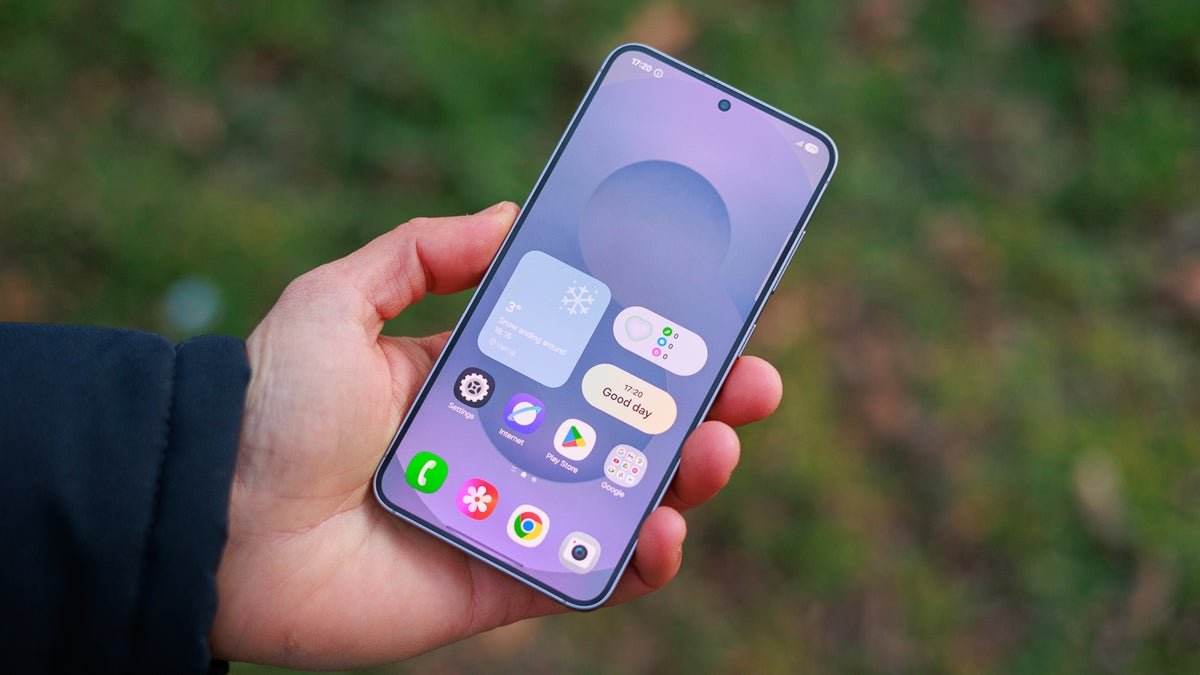
We are literally hours away from the launch of the Galaxy S26 series, but some last-minute leaks regarding the upcoming devices keep rolling in. The latest leak is a pretty exciting one, as it suggests that the S26 lineup will be able to share files with Apple AirDrop via Quick Share.
After Google, it’s time for Samsung
In November last year, Google introduced the ability to share files with Apple AirDrop via Quick Share to its Pixel 10 phones, later expanding to the Pixel 9 series as well at the start of this month. While Eric Ray, the Vice President of Engineering for the Android platform, reportedly stated that this feature would not remain exclusive to Pixel, he didn’t specify which Android devices would be next to receive this support. But now we know that it could be the Galaxy S26 series.
A reliable tipster, chunvn8888, recently shared an image on X that suggests that the upcoming Galaxy S series phones will come with AirDrop compatibility. The file-sharing method is reportedly similar to how files are shared between a Pixel and Apple devices that come with AirDrop. To send a file from Samsung to Apple, the AirDrop option on the Apple device must be configured to be seen by everyone.
Quick Share must be enabled if you want to receive files from an Apple device to your Galaxy S26 line phone. The tipster further states that AirDrop compatibility could be made available to older Galaxy smartphones as well through the One UI 8.5 update.
A big win for interoperability
Last minute breaking news eh? Galaxy S26 series now supports sharing files with Apple AirDrops via Quick Share. Most likely will come to older devices via newer 8.5 update. pic.twitter.com/zblltnMPK5
Currently, if you need to send a file from a Galaxy smartphone to an Apple device, you must either download a dedicated file-sharing application that is available for both Android and Apple devices or upload the file to a cloud platform from your Samsung phone and then download it to your Apple device. While both these methods work, they aren’t as hassle-free as sending files directly via Quick Share.
That’s why it would be really great if this capability came to Samsung as well. However, it’s worth noting that there isn’t any official confirmation from either Google or Samsung that this feature is actually coming to the S26 series. So, I would recommend taking this information with a big pinch of salt. If it’s actually coming, the Korean giant would likely talk about it at today’s event.
Try Noble Mobile for only $10
Get unlimited talk, text, & data on the T-Mobile 5G Network plus earn cash back for data you don’t use.