
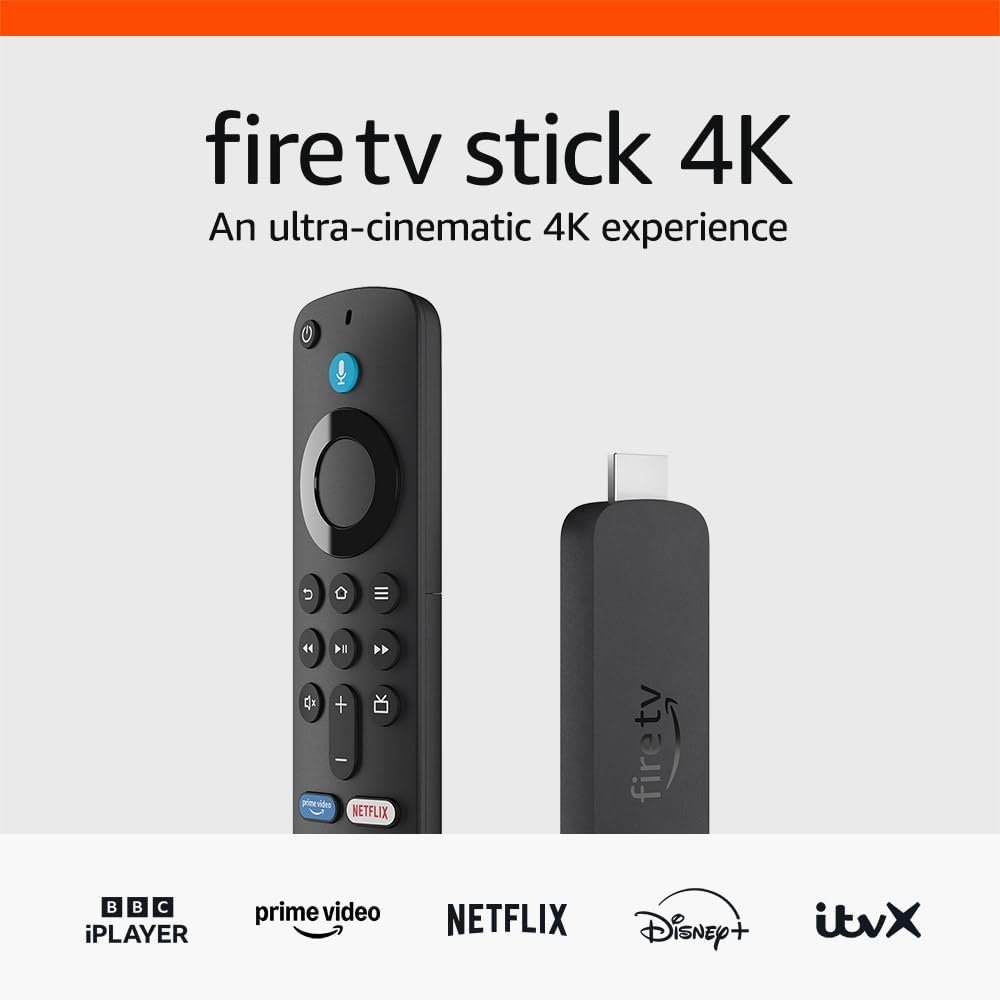
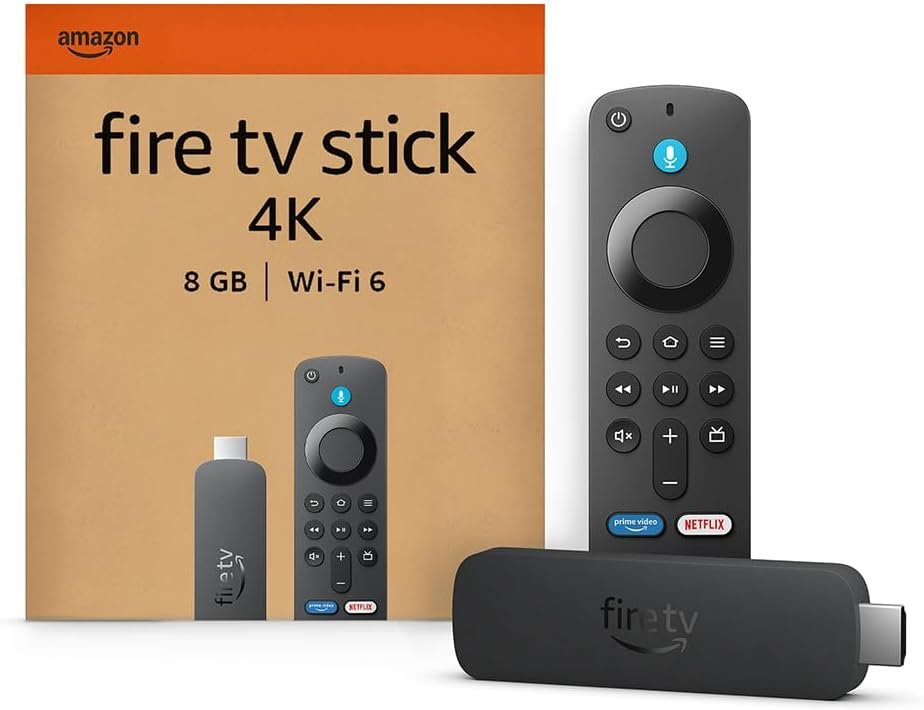


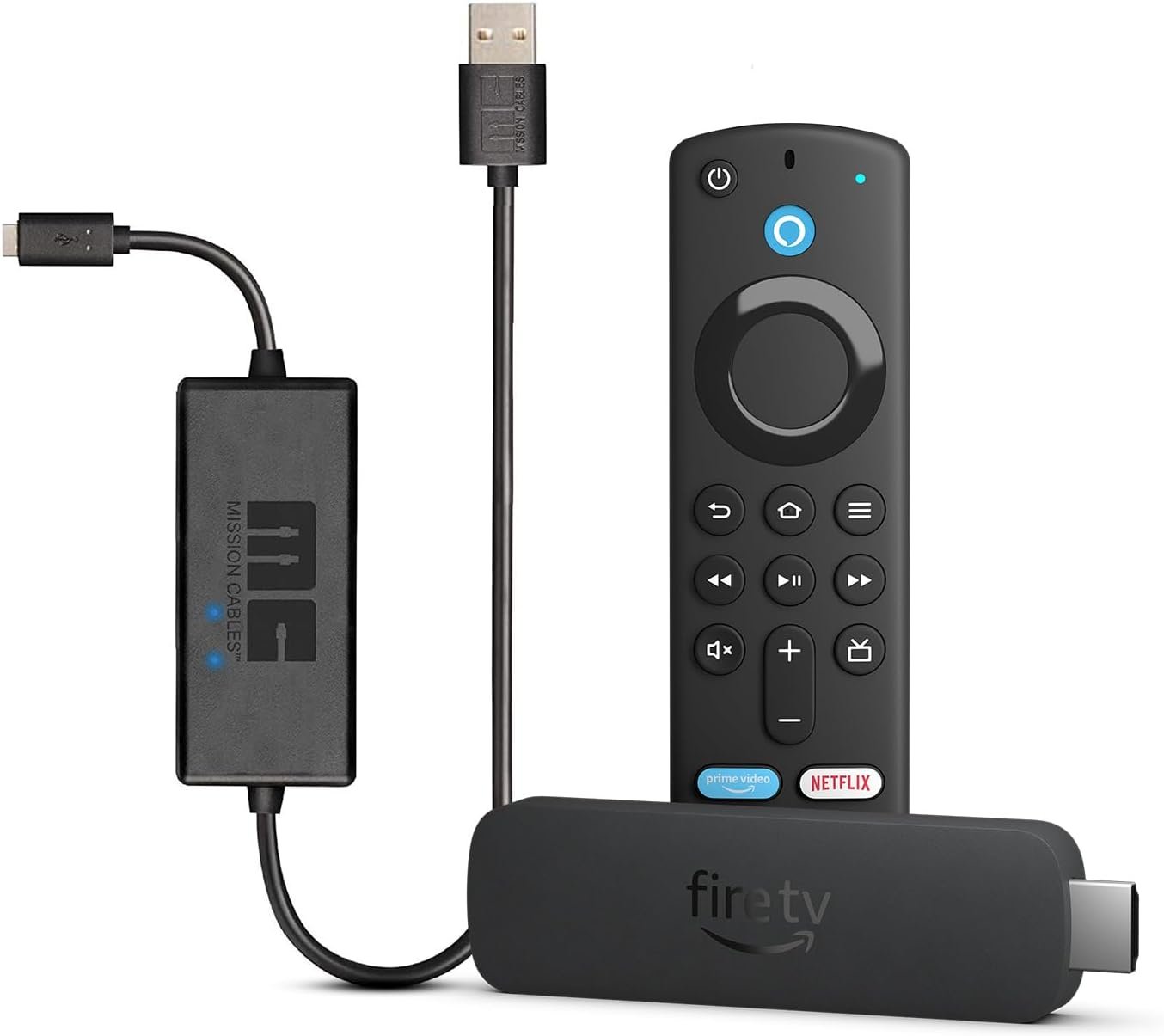
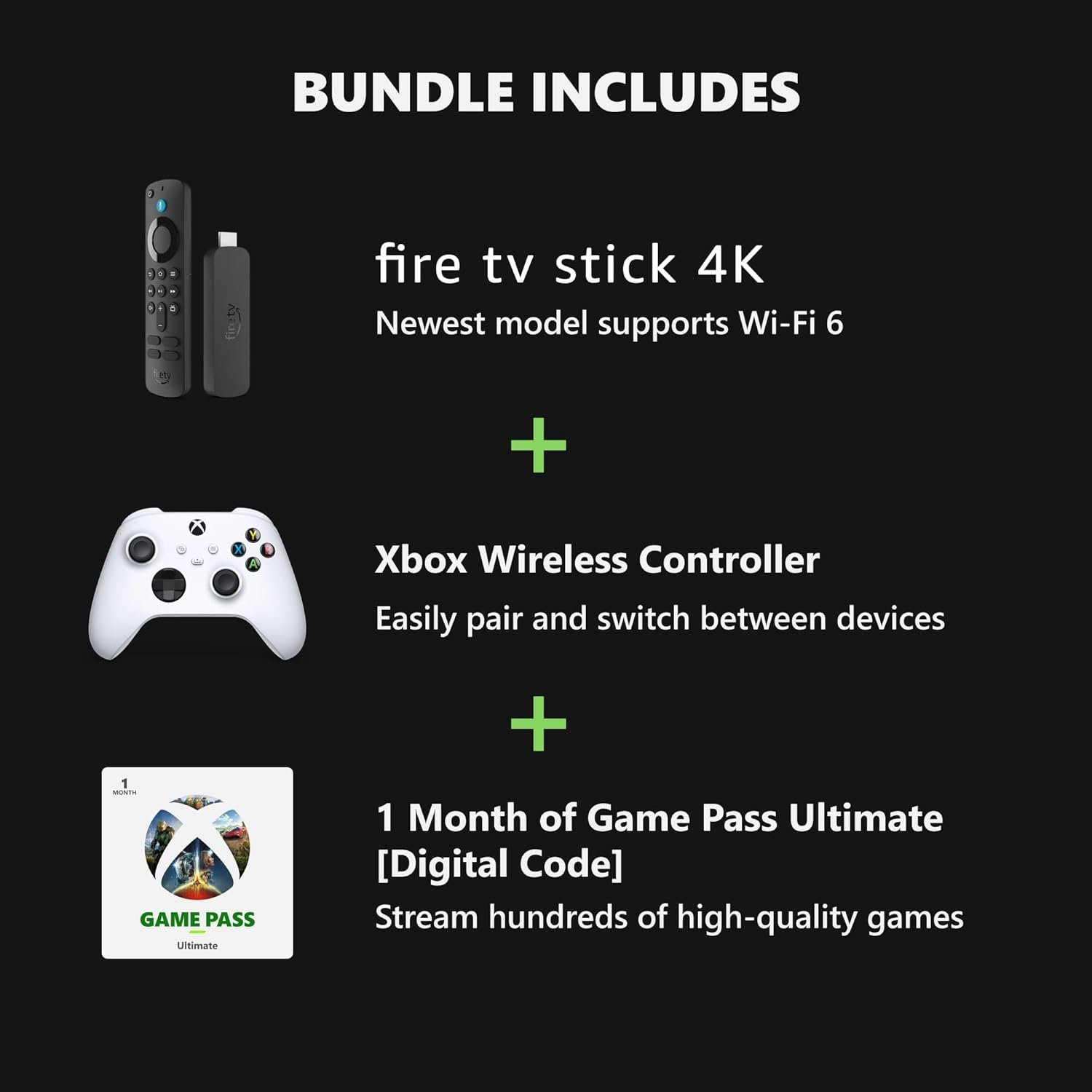



Amazon Fire TV Stick 4K, supports Wi-Fi 6, Dolby Vision/Atmos, HDR10+
- Advanced 4K streaming: elevate your entertainment with the next generation of our best-selling 4K stick, with improved streaming performance.
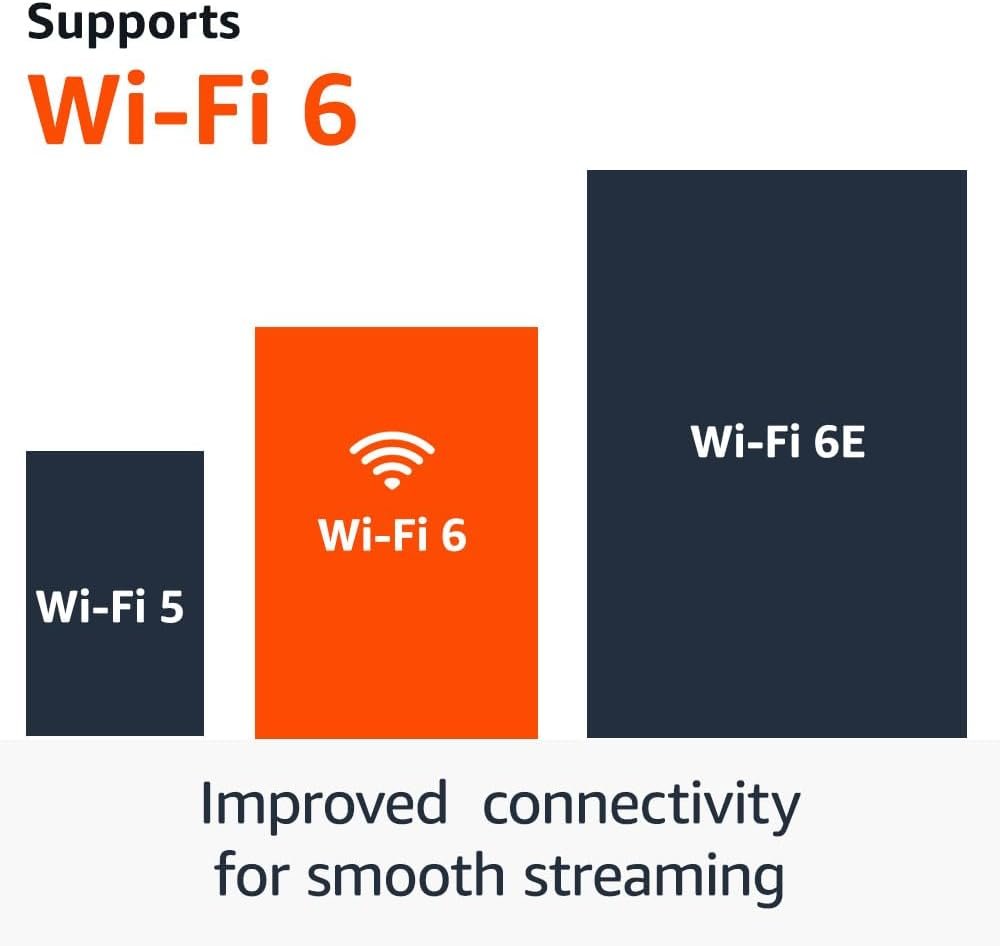
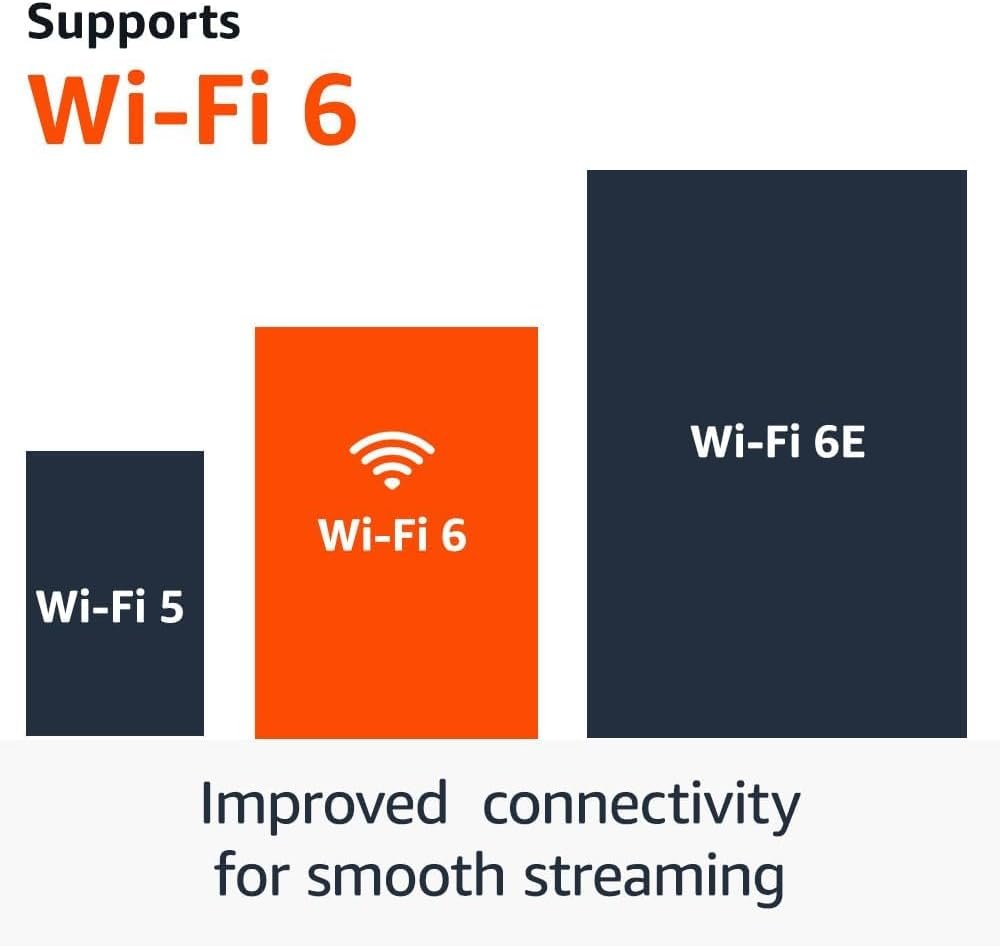
- Wi-Fi 6 support: enjoy smooth 4K streaming, even when other devices are connected to your router.
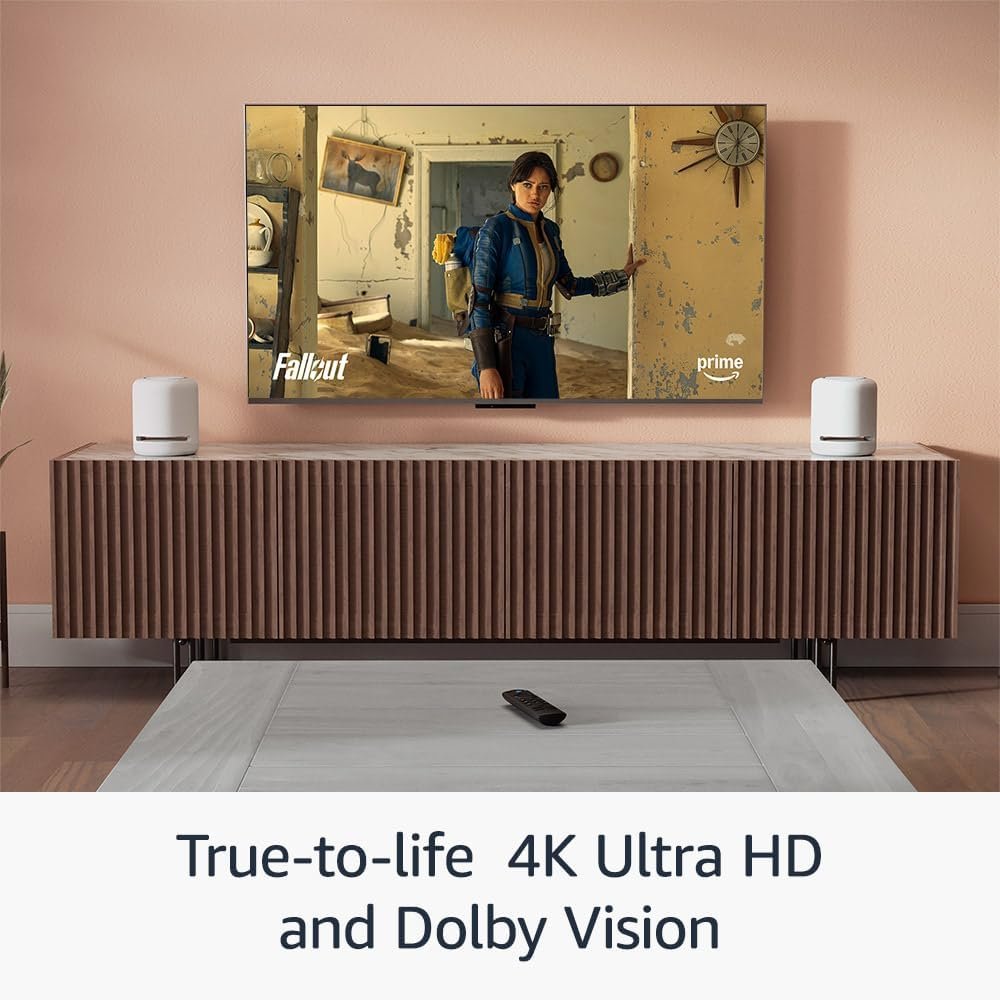
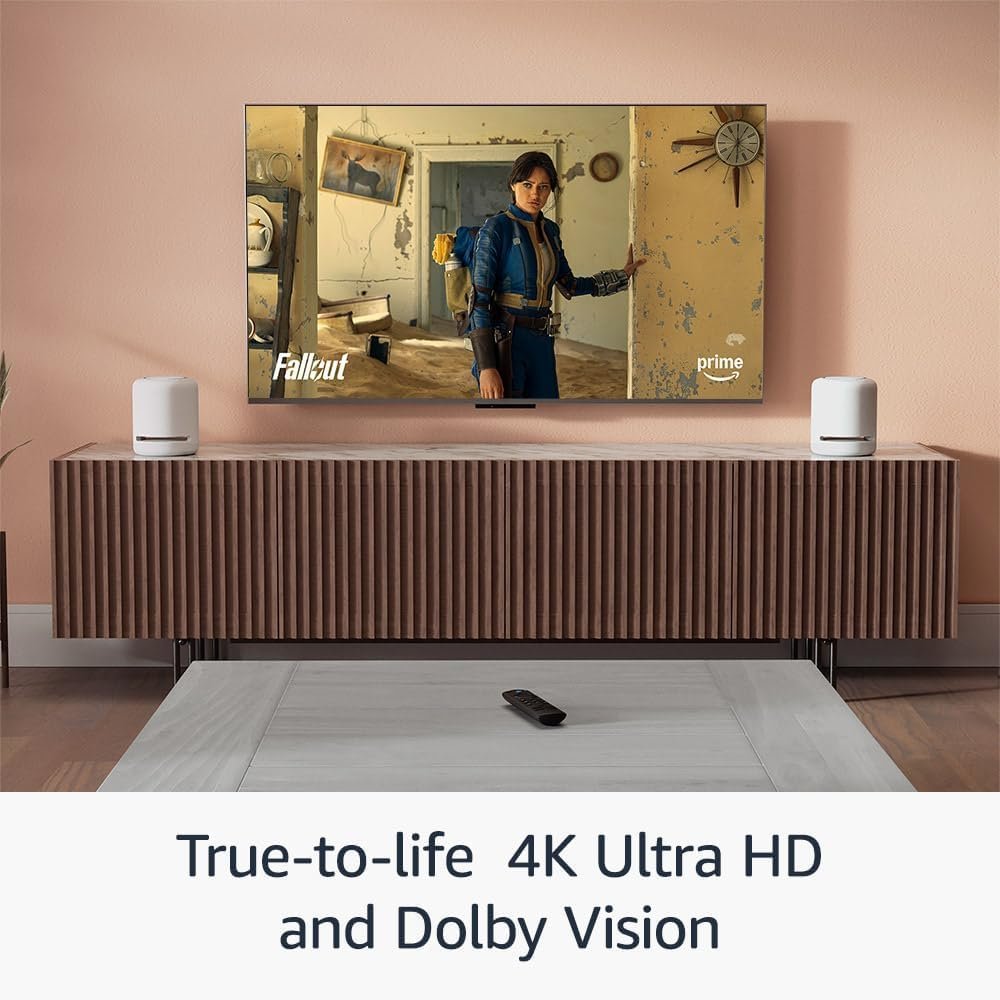
- Cinematic experience: watch in vibrant 4K Ultra HD with support for Dolby Vision, HDR10+ and immersive Dolby Atmos audio.
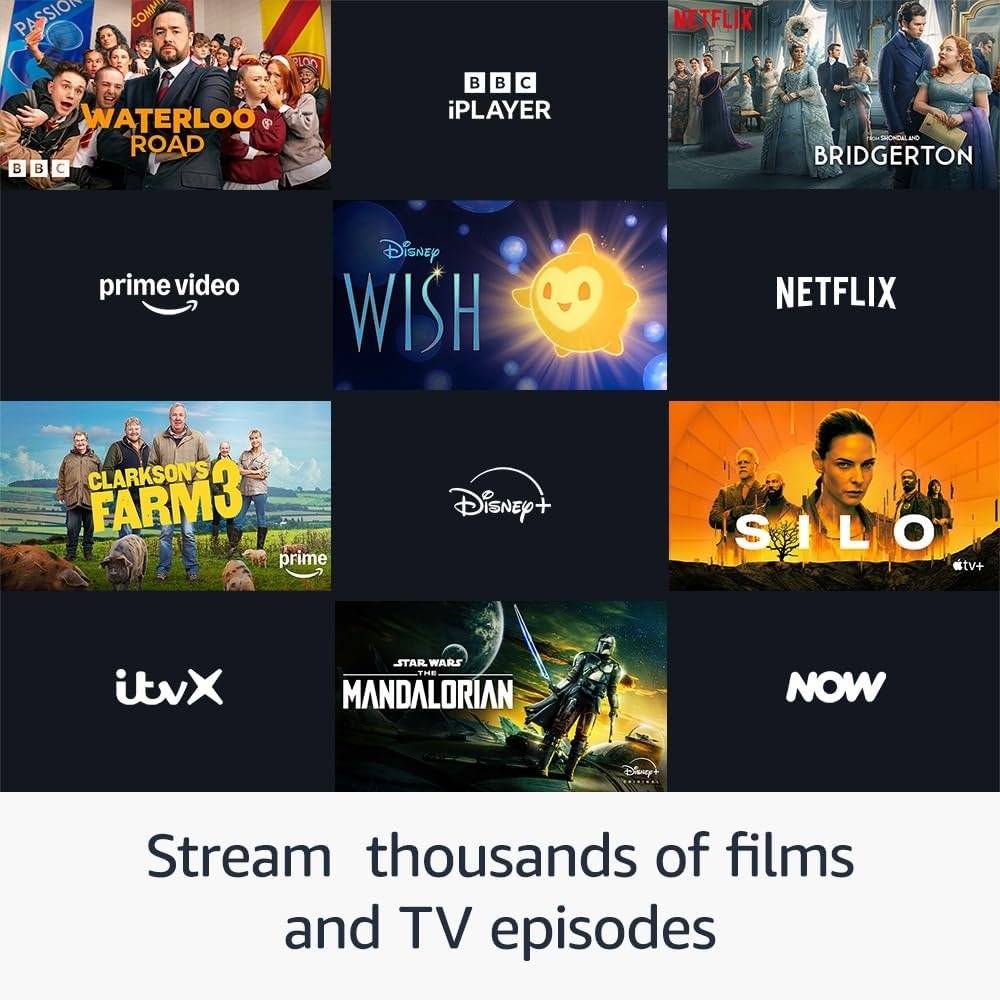
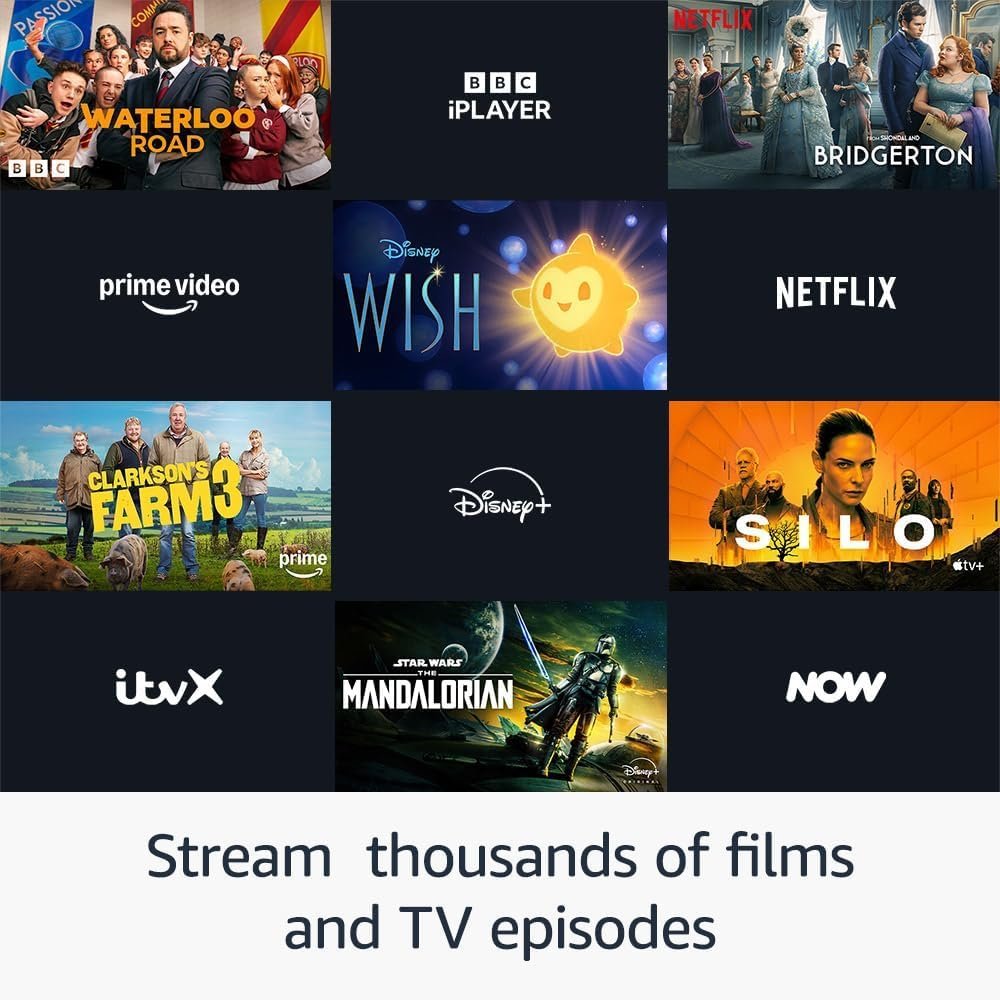
- Endless entertainment: stream thousands of films and TV episodes. Watch favourites from Netflix, Prime Video, Disney+ and more. Subscription fees may apply.
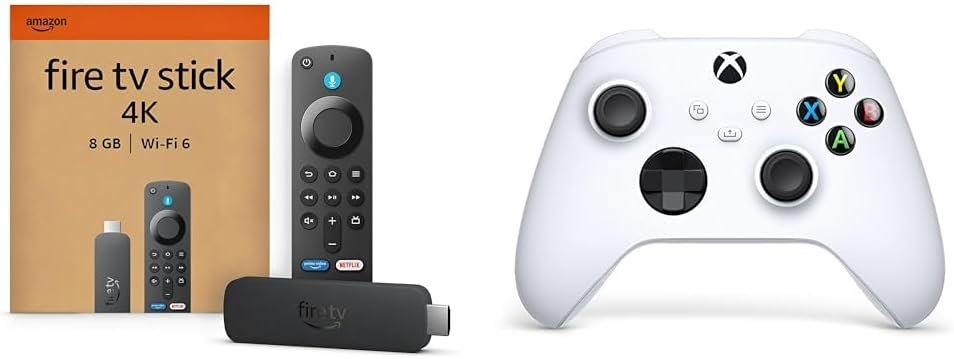
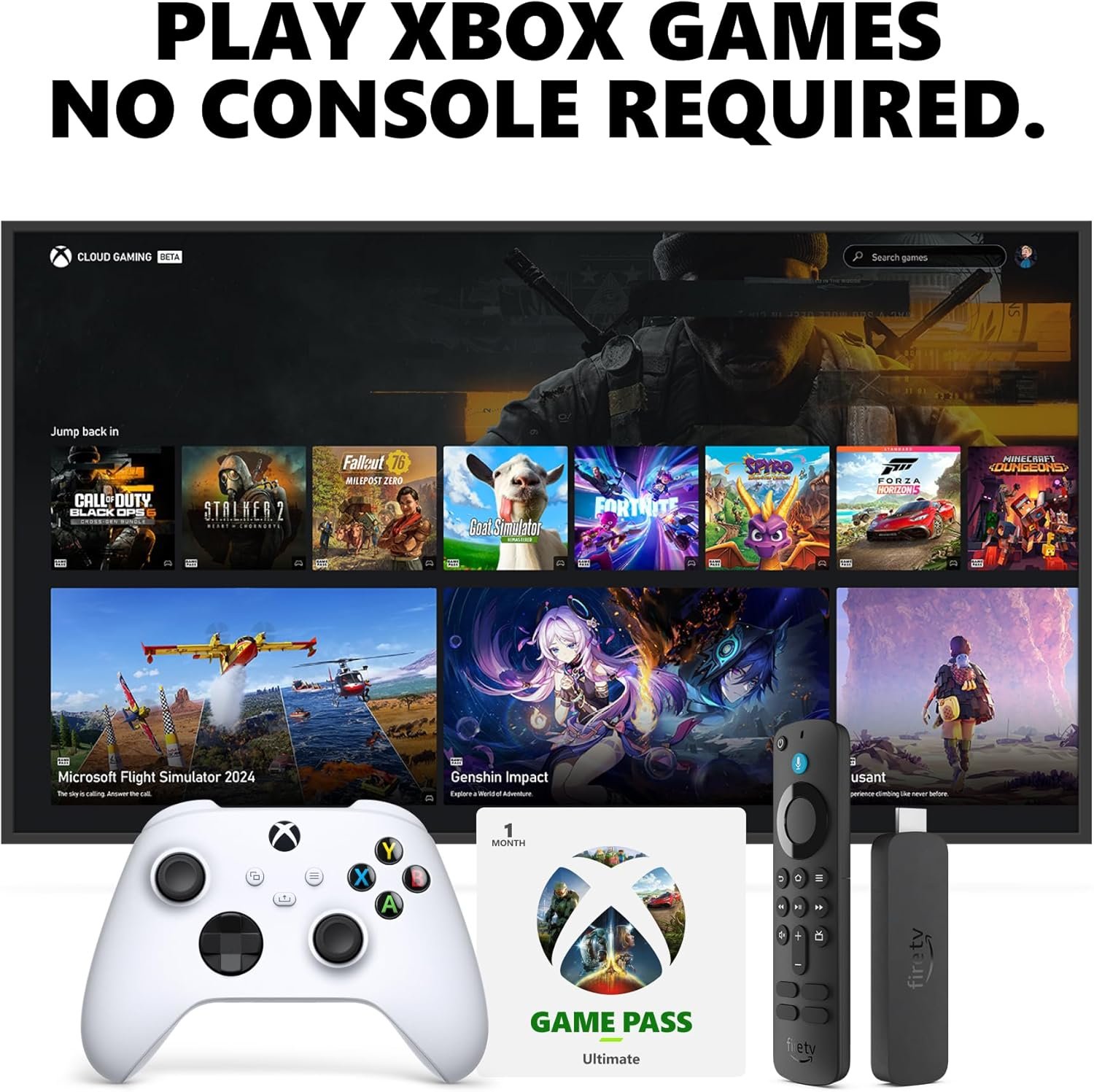
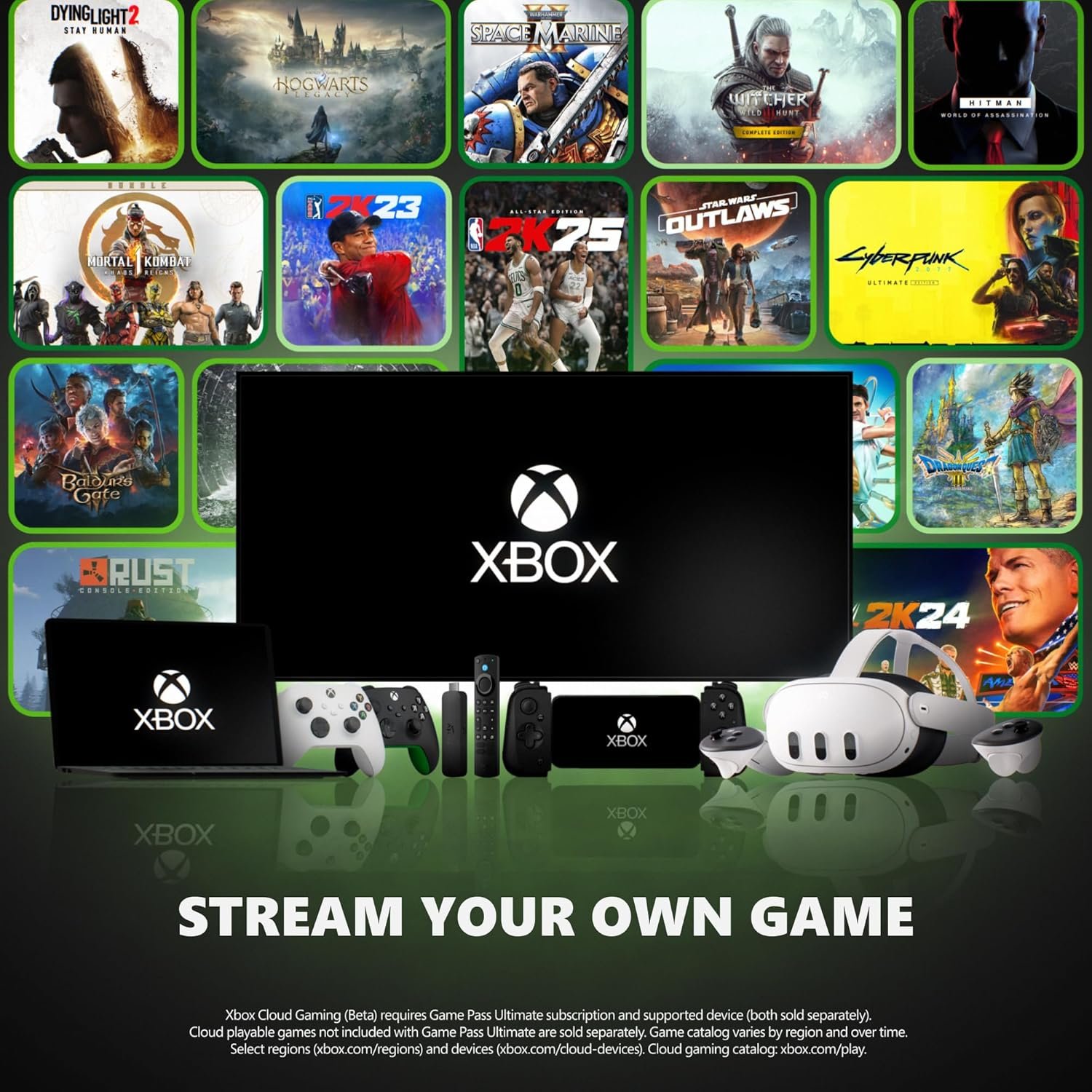
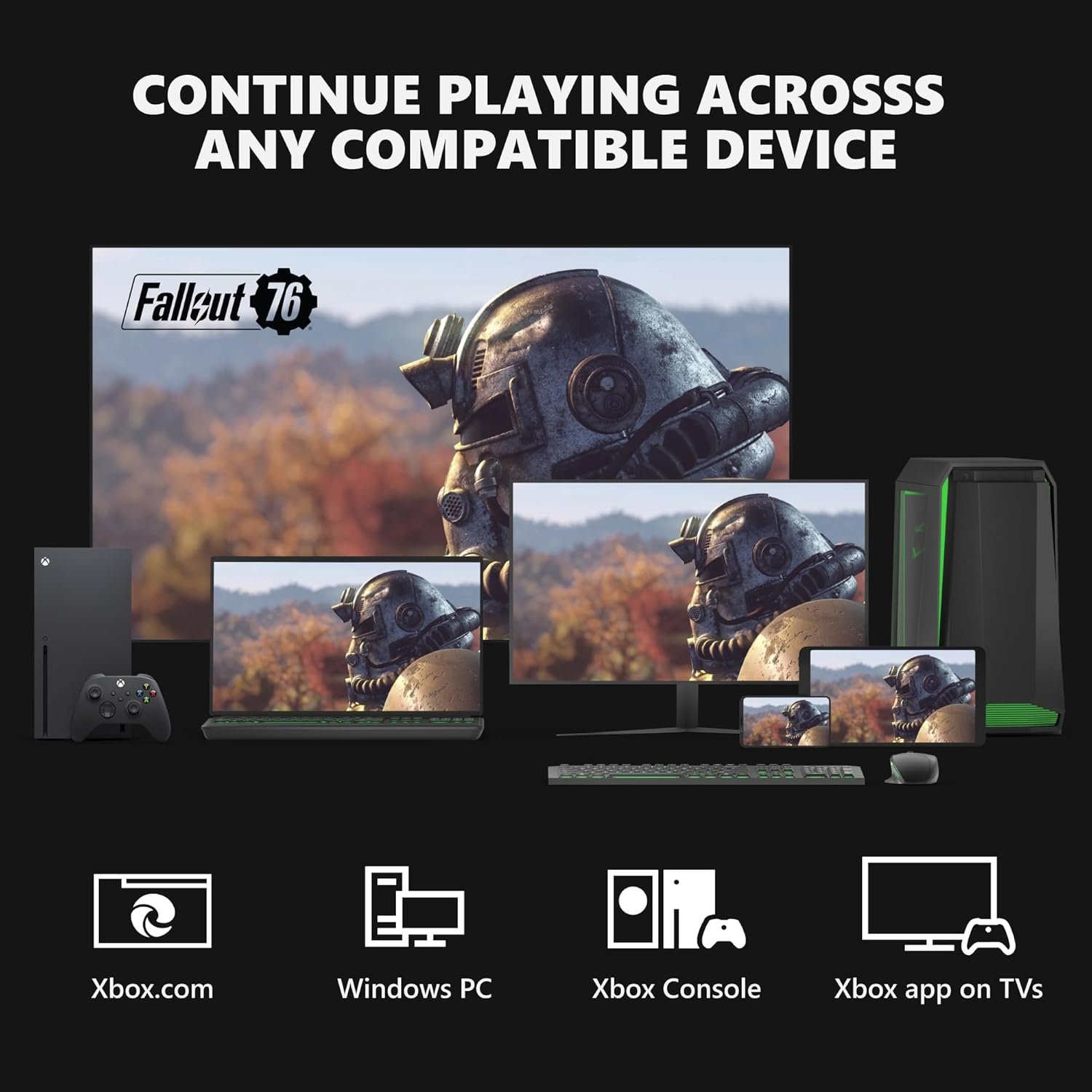
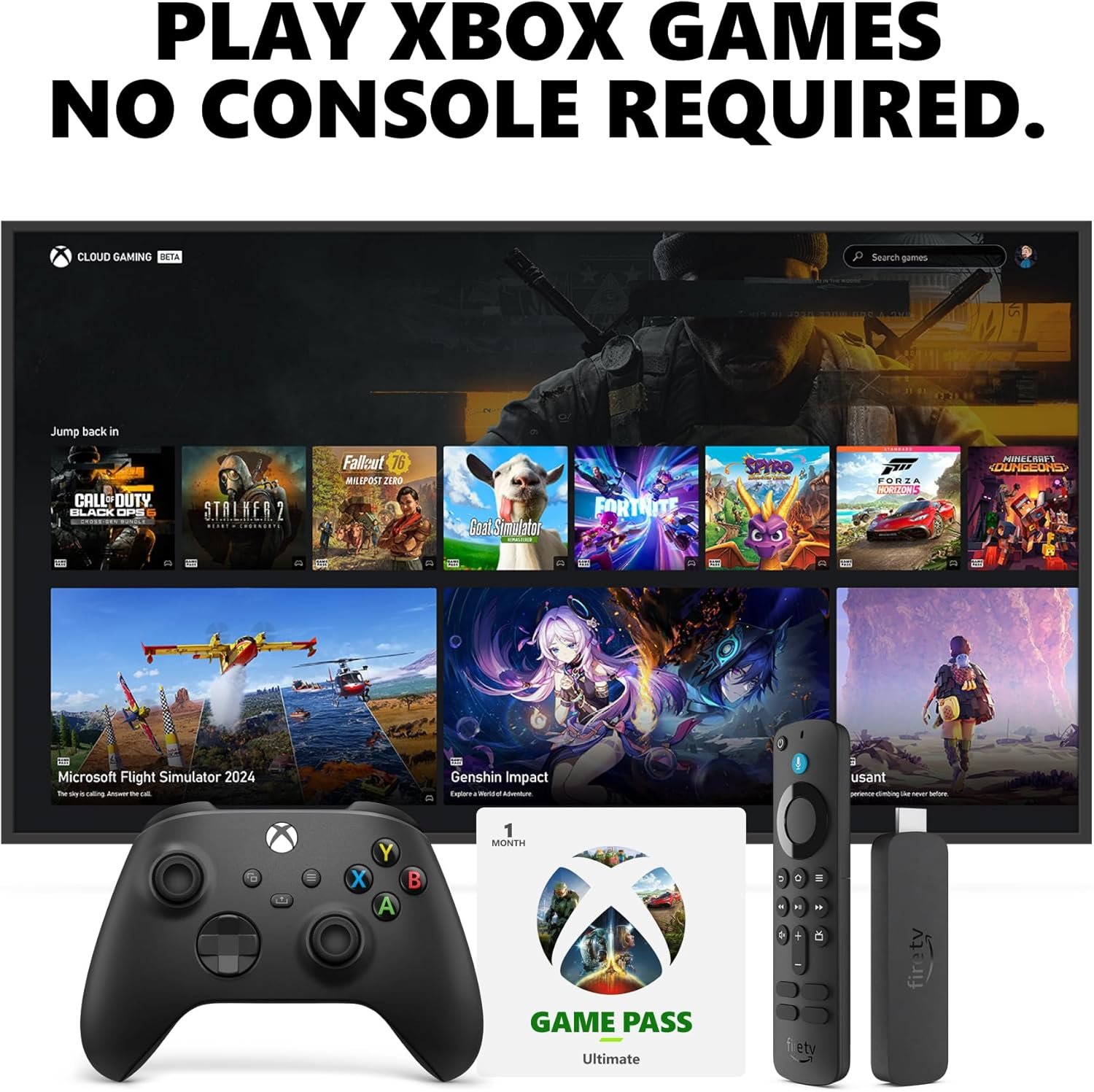
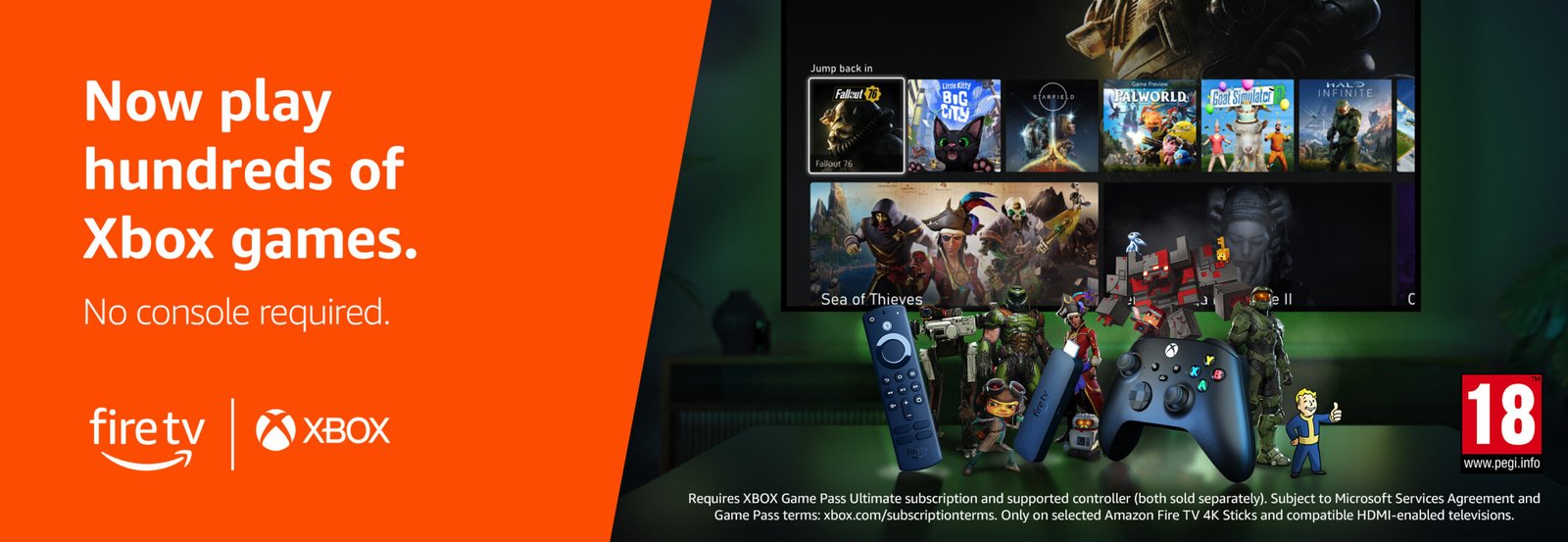
- The only streaming media player with the Xbox app: stream Forza Motorsport, Starfield, Palworld and discover hundreds of other high-quality games directly on your Fire TV Stick 4K with Xbox Game Pass Ultimate via cloud gaming. No console required.
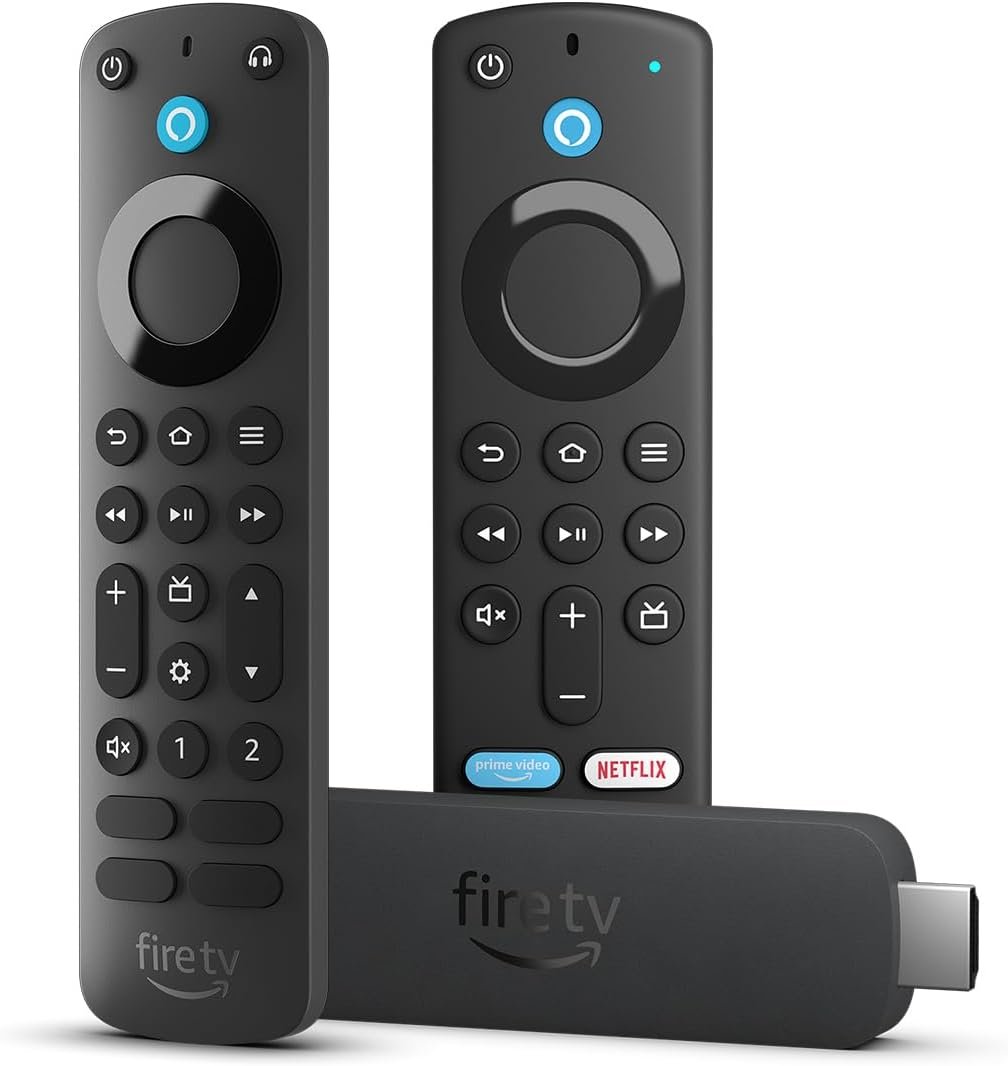
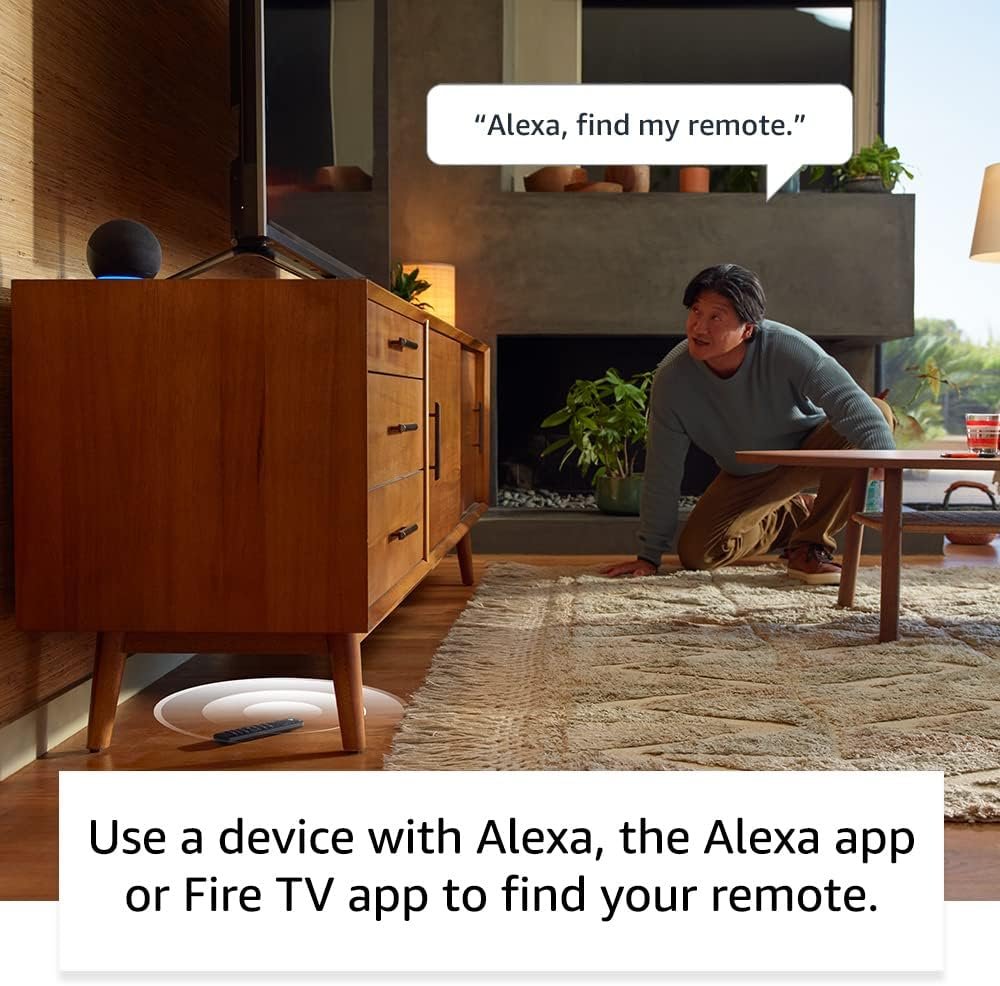
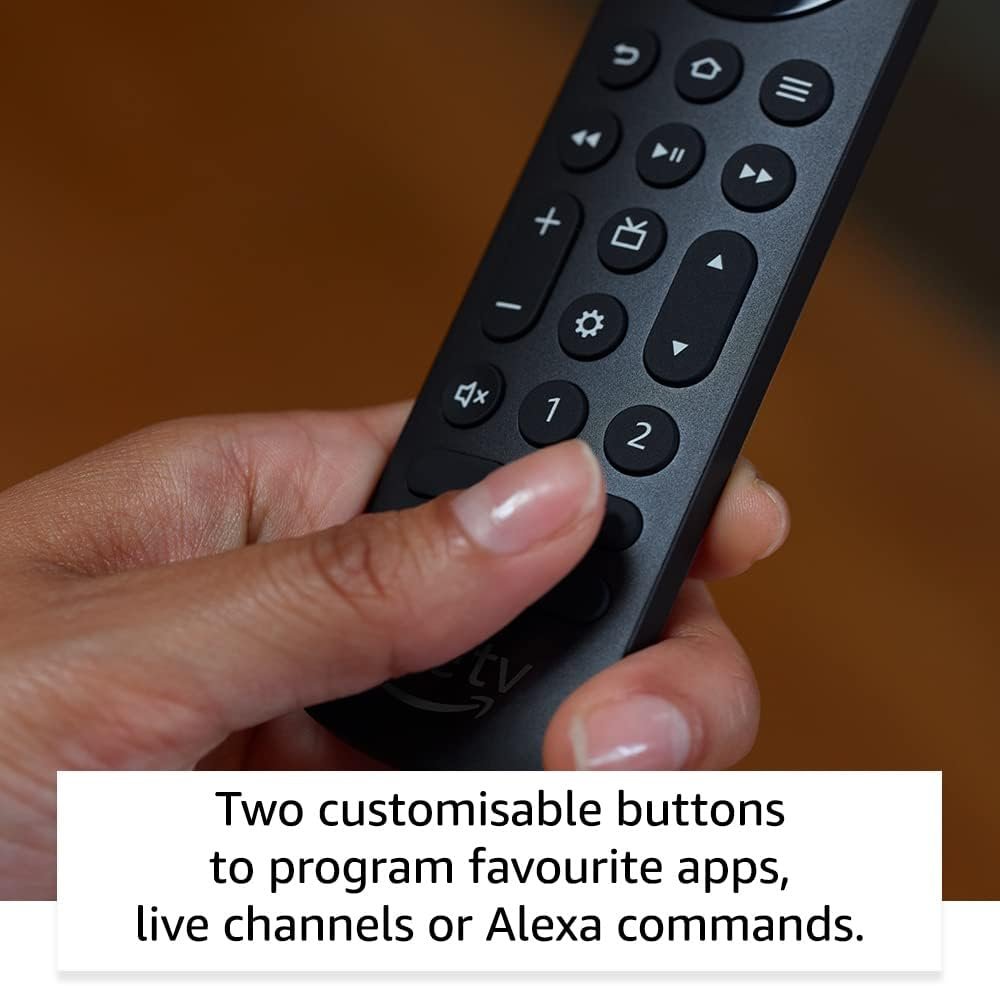
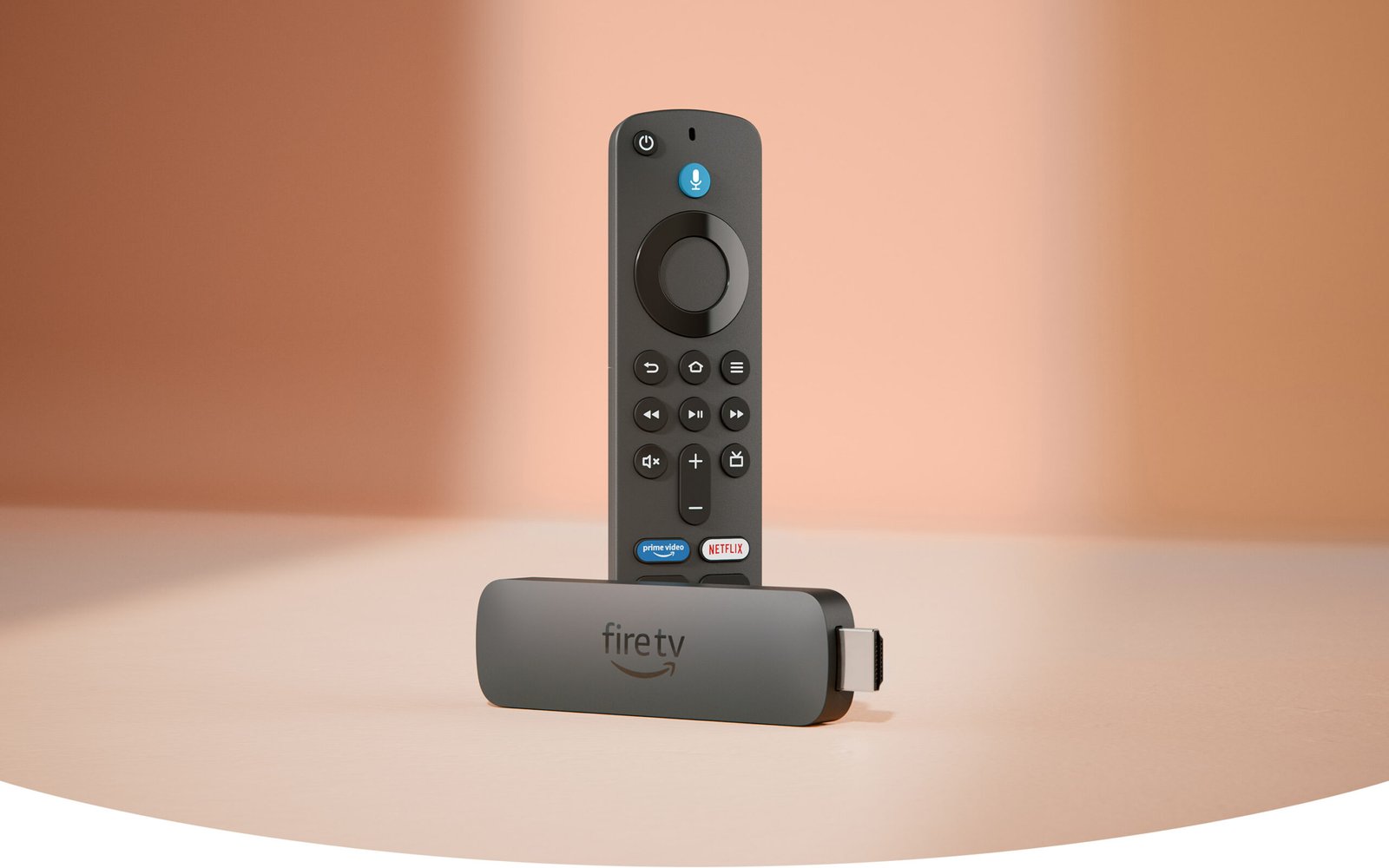
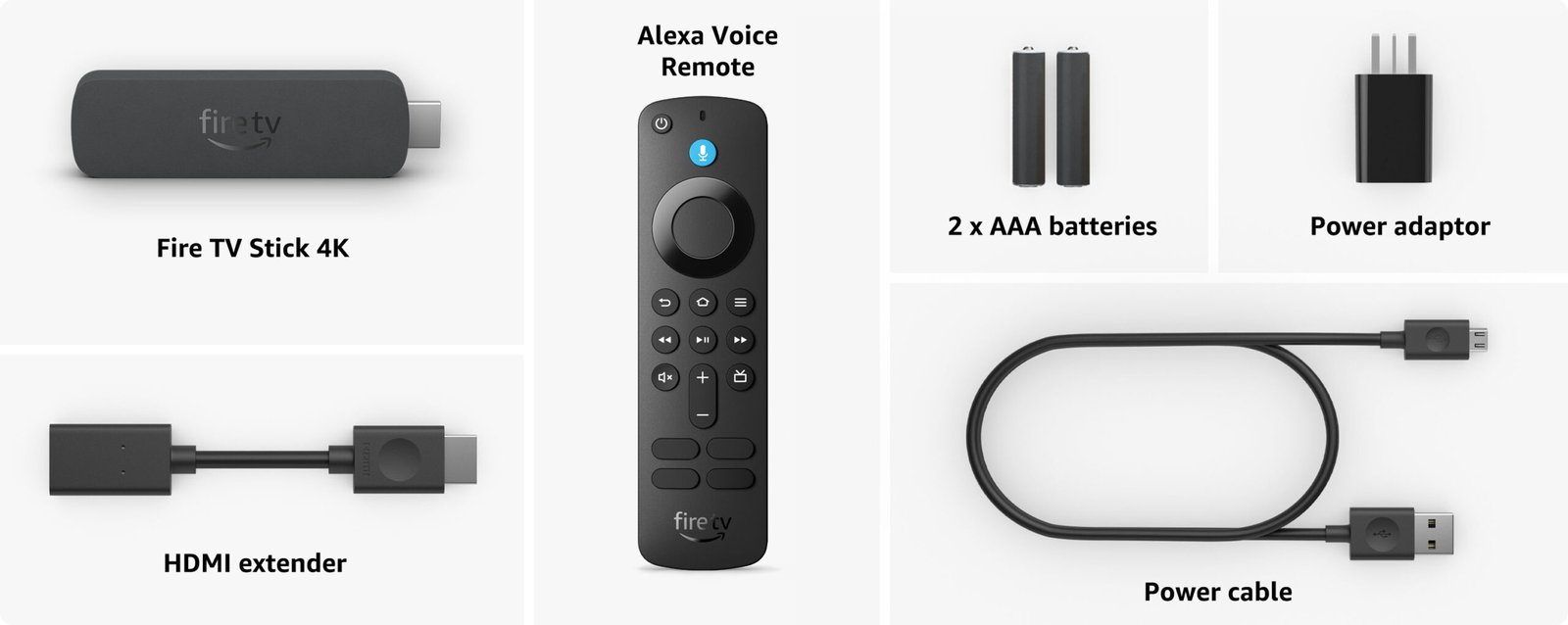
- Alexa Voice Remote: quickly find, launch and control content with your voice. Get to your favourite apps with preset buttons, and control TV power and volume with one remote.
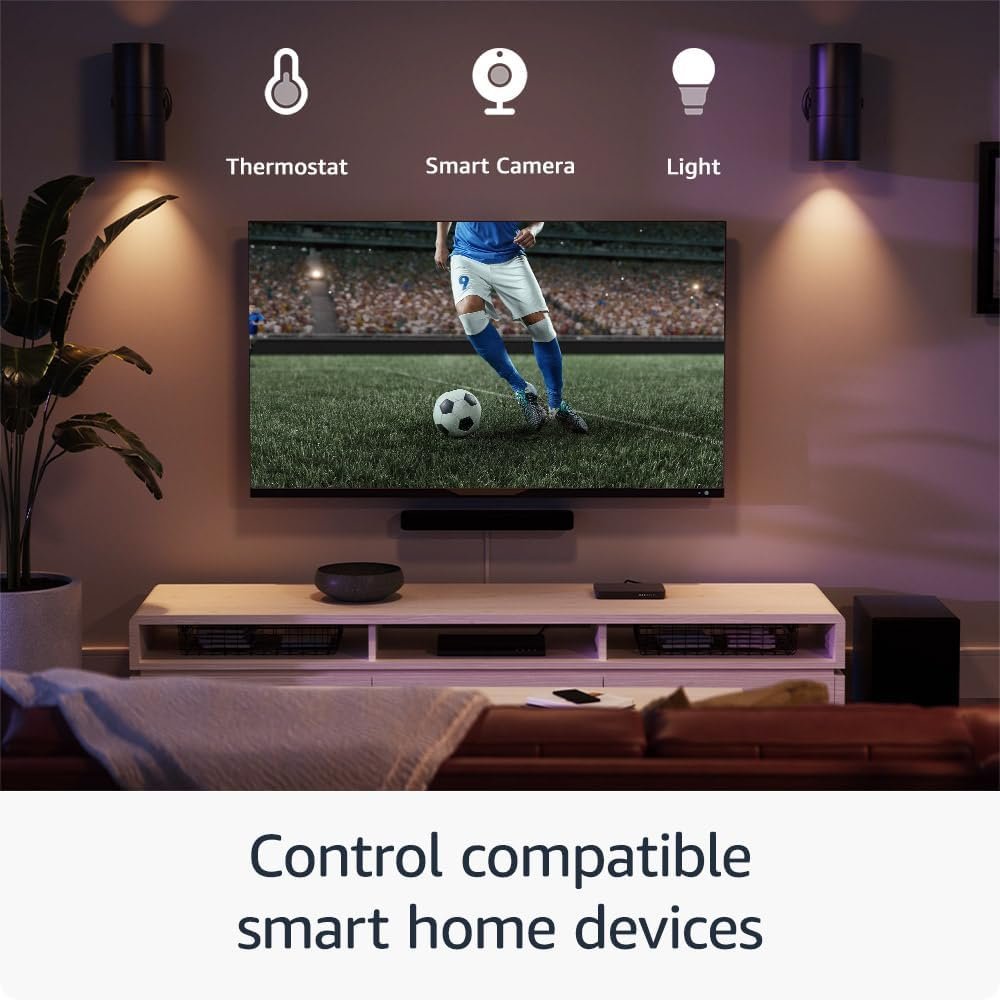
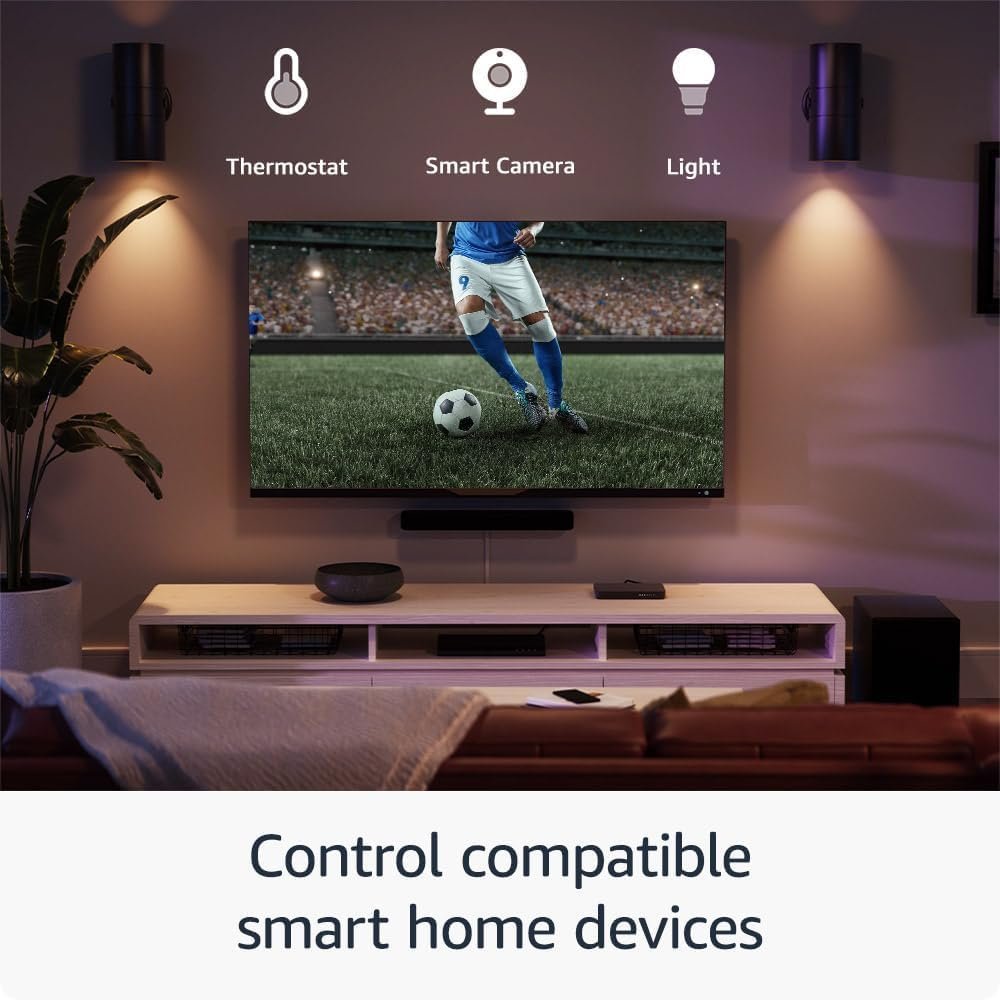
- Do more with your smart home: control compatible devices such as cameras, lights and more. Press and ask Alexa to check the weather or dim the lights.
£59.99

We want you to know:
To benefit from Wi-Fi 6, a compatible Wi-Fi 6 router, such as the eero 6+, is required. Fire TV Stick 4K is also compatible with earlier Wi-Fi routers.
Dolby Atmos is only available on select streaming services when connected to compatible equipment.
Alexa Voice Remote includes 4 pre-programmed app buttons including Prime Video and Netflix; the other two app buttons will vary.
Product packaging enhanced for display purposes only.
The next generation of our most popular 4K streaming stick
Upgrade your 4K streaming experience with Fire TV Stick 4K – now powered by a quad-core 1.7 GHz processor for faster app starts and more fluid navigation. It makes getting to the good stuff even easier – all for an affordable price.
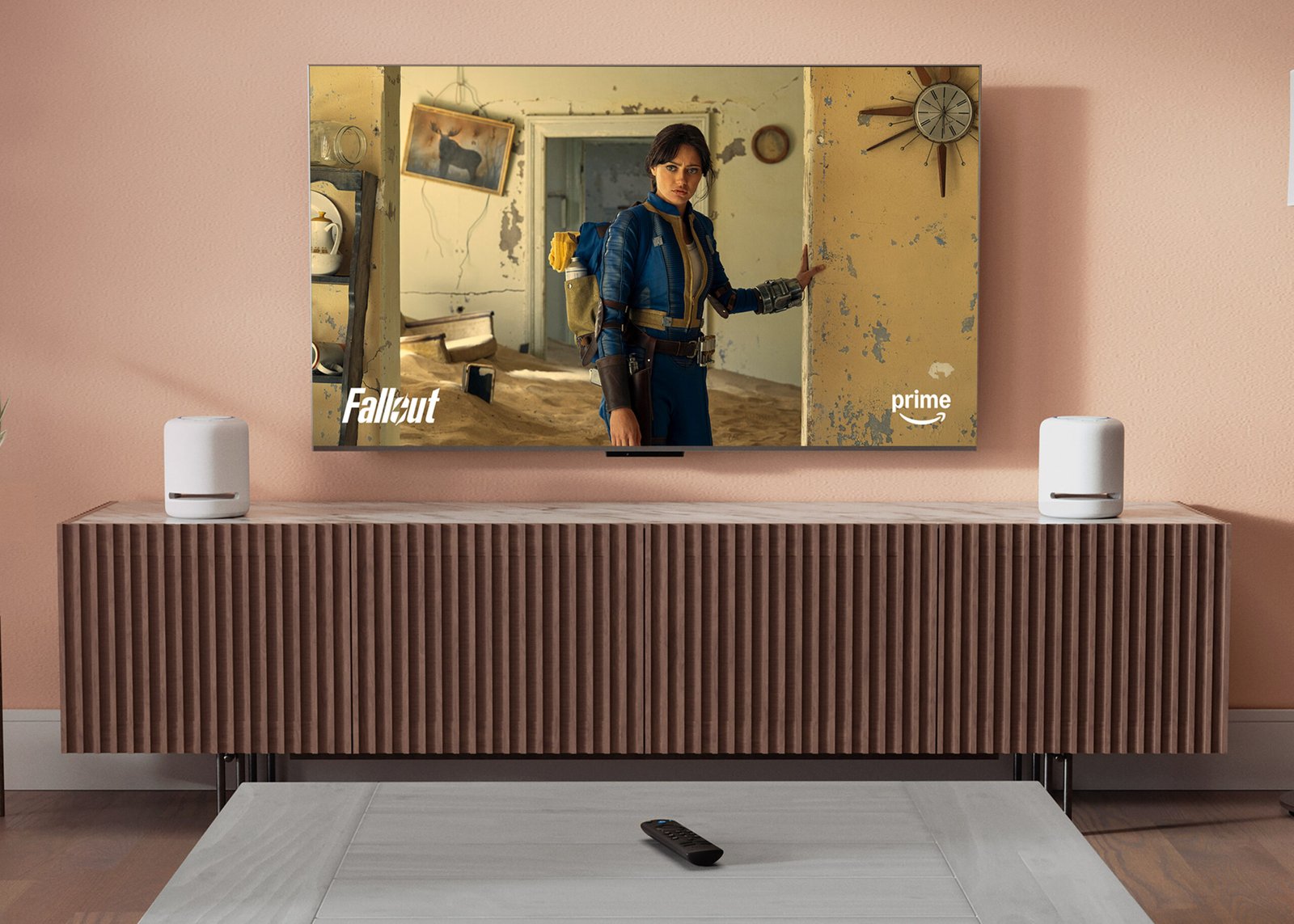
An ultra-cinematic 4K experience
From playoffs to premieres, experience it all like you’re there with support for cinematic 4K Ultra HD. Experience vivid colour and brightness with support for Dolby Vision and HDR10+, immersive sound with Dolby Atmos and smooth streaming with Wi-Fi 6. Add compatible Echo speakers for a complete Alexa home cinema.

Wi-Fi 6 Support

Smart Home

Dolby Vision/Atmos

HDR10+

Press and Ask Alexa

Enjoy smooth 4K streaming in your home
Our most popular streaming stick now supports Wi-Fi 6 for smooth 4K streaming, with less interference from other connected devices. To use Wi-Fi 6, you’ll need a compatible router like the eero 6+. If you have a Wi-Fi 6E router, we recommend Fire TV Stick 4K Max. Fire TV Stick 4K works with earlier Wi-Fi routers, too.
Wi-Fi 6 support
Reduces network congestion for smoother video streaming across multiple devices.
Fast speeds
Enjoy fast speeds and low latency when streaming 4K content or playing games in the cloud.
Dual-band
Supports 2.4 GHz and 5 GHz bands, so you can connect to the least-crowded frequency.
Searching made easy
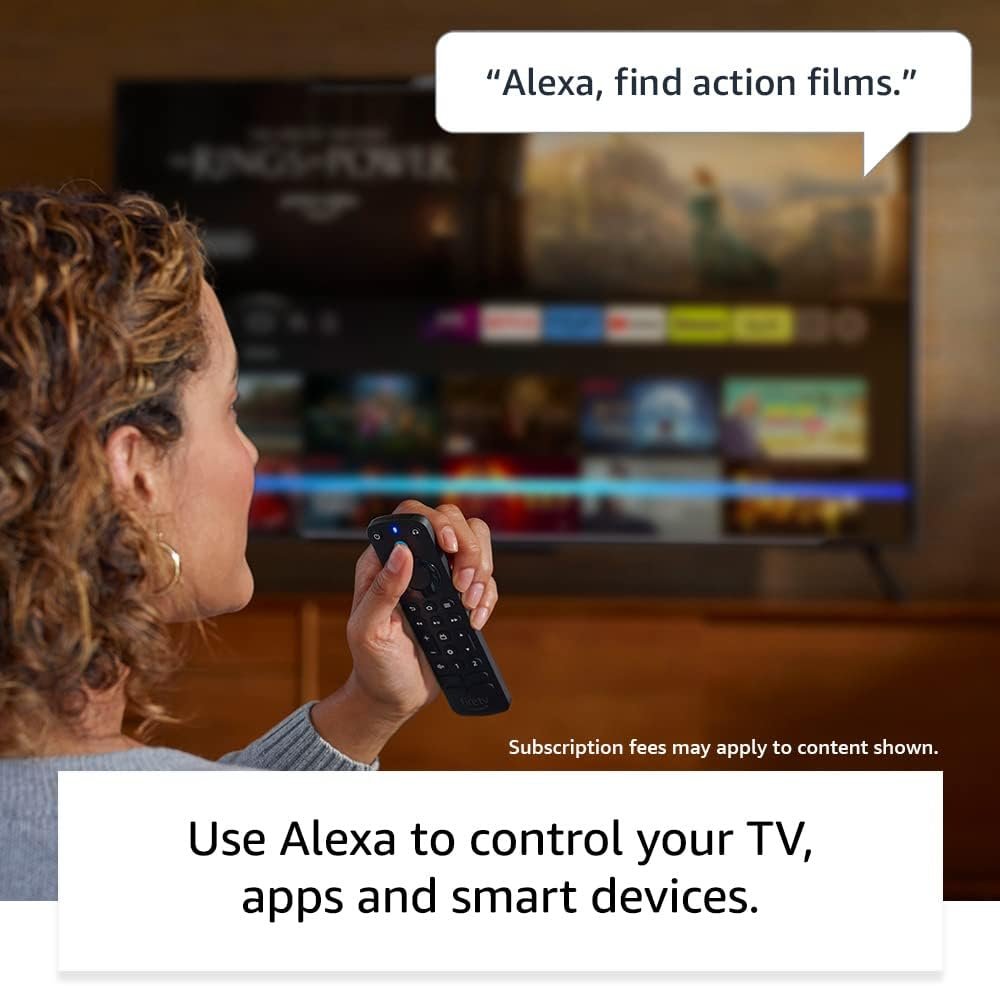
Press and hold the voice button and ask Alexa to take you to your favourite programmes. Not sure what to watch? Search by genre or helpful categories, like sports or action films.
Subscription fees may apply.
“Alexa, find action films.”
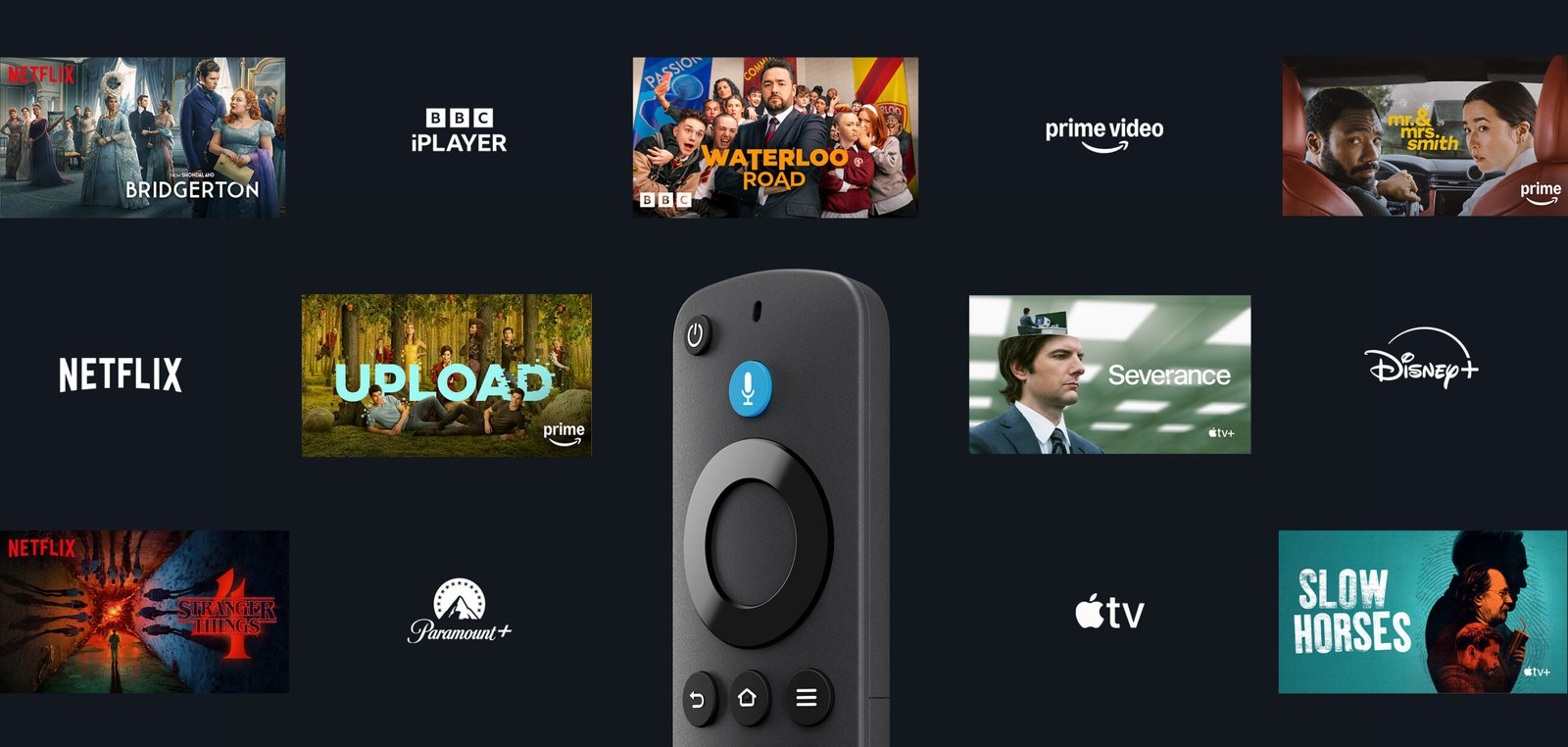
Stream free films,
series and clips
Turn on and start watching a world of free entertainment through ad-supported streaming apps like YouTube, Tubi, Twitch and Pluto TV. You can access thousands of films and TV episodes without paying for subscriptions.




From smart home control
to smart living
Control compatible smart home devices right from your TV. You can press and ask Alexa to do things like show Live View Picture-in-Picture camera feeds without interrupting your programme, check the weather, order a pizza and stream music. And Fire TV is always getting smarter with new Alexa skills and voice functionality. Learn more about compatible smart home devices.
“Alexa, show me the baby’s room camera.”

Light

Lock

Smart Camera

Soundbar

Smart Plug

Thermostat
Simple to set up and use
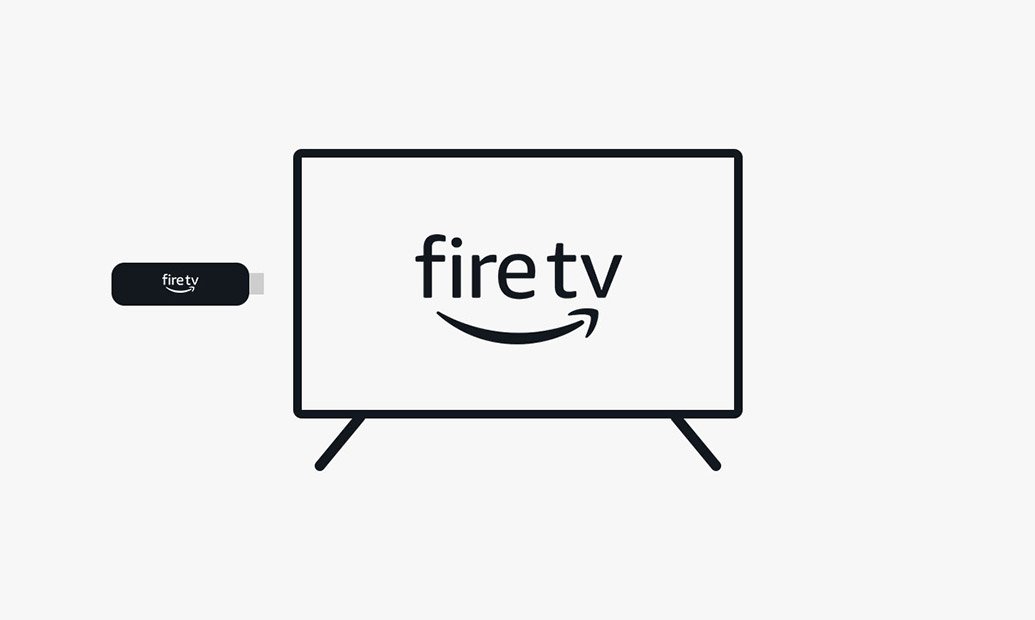
Step 1
Plug Fire TV Stick 4K directly into your HDMI input.
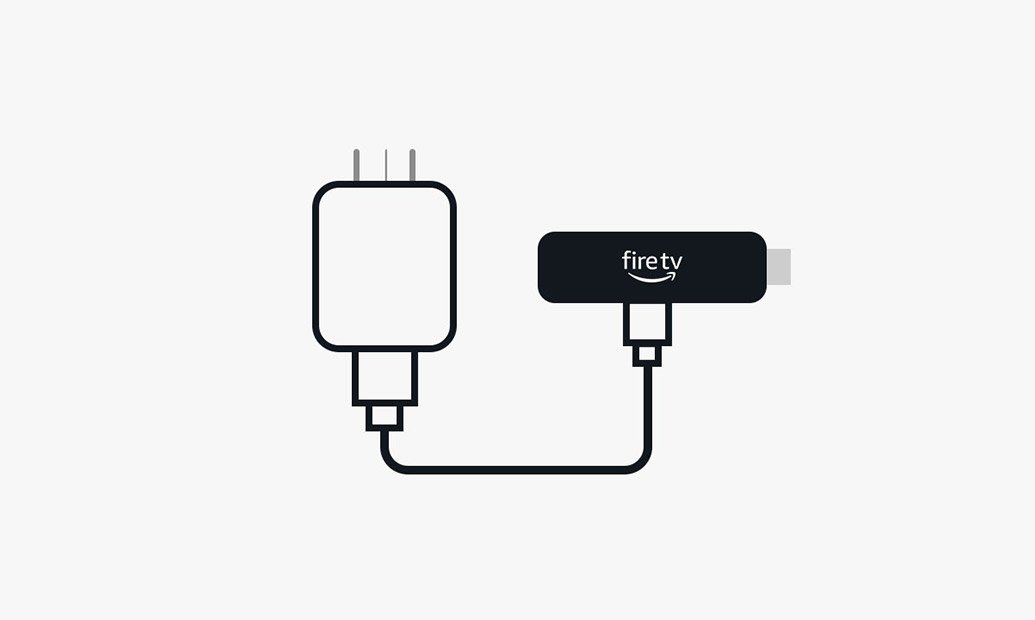
Step 2
Attach power cable
and plug into wall outlet.
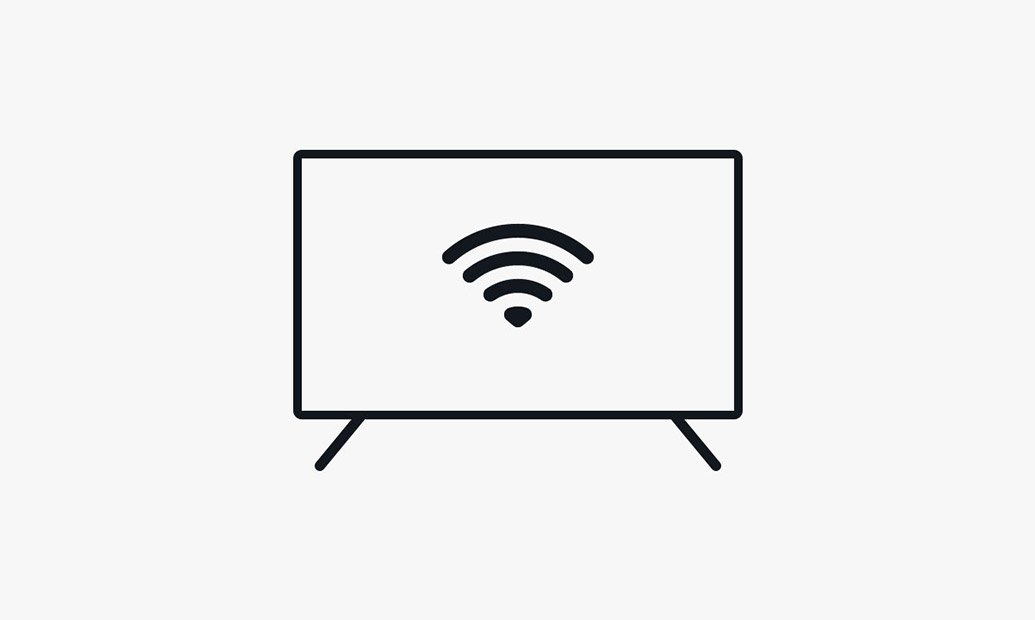
Step 3
Pair remote with TV, connect to
internet and enjoy.
Every day is an Earth Day
You don’t have to be an environmental scientist to make sustainable choices. We’ve integrated sustainability into the design of this device. Here’s how:

Low Power mode
To reduce its energy consumption, this device will enter Low Power mode when it goes to sleep. Learn more about Low Power mode.

Device packaging
99% of this device’s packaging is made of wood-fibre-based materials from responsibly managed forests or recycled sources.
Technical details
Fire TV Stick 4K (2nd generation)
Size | 99 x 30 x 14 mm (only housing) |
Weight | 43.5 g |
Processor | Quad-core 1.7 GHz |
GPU | 650 MHz |
Storage | 8 GB (actual formatted capacity will be less) available for apps and games. |
Wi-Fi | Wi-Fi 6 dual-band: 802.11 a/b/g/n/ac/ax (2.4 GHz and 5 GHz) |
Bluetooth | Bluetooth 5.2 + BLE |
Voice support | Yes, with the Alexa Voice Remote (included) or free Fire TV app (available for download on Fire OS, Android and iOS) |
IR device control with included Alexa Voice Remote | The included Alexa Voice Remote can control Fire TV Stick 4K and certain functions (such as power and volume) on a wide range of compatible IR-enabled devices, including TVs, soundbars and A/V receivers. Note: certain functions may not be available on some IR-enabled devices. |
Cloud storage | Free cloud storage for digital content purchased from Amazon. |
Ports | HDMI 2.1 output with ARC input support, micro USB |
Audio support | Dolby Atmos, 7.1 surround sound, 2-channel stereo and HDMI audio pass-through up to 5.1. Dolby Atmos is only available on select streaming services when connected to compatible equipment. |
4K support | To watch films and TV programmes in 4K Ultra HD, you need a compatible Ultra HD TV. All services may not be available in 4K/HDR. Certain services are subject to change at any time, may not be available in all areas or in 4K/HDR, and may require separate subscriptions. Learn more about services. |
Content formats supported | Video: Dolby Vision, HDR 10, HDR10+, HLG, H.265, H.264, VP9, AV1. Audio: xHE-AAC, AAC-LC, AAC+, eAAC+, AAC-ELD, MP3, AMR-NB, FLAC, PCM/WAV, Vorbis, Dolby AC3, eAC3 (Dolby Digital Plus), Dolby Atmos (EC3_JOC), Dolby AC4, Dolby MAT, Dolby TrueHD pass-through, MPEG-H pass-through, DTS pass-through, DTS-HD pass-through (basic profile). Photo: JPEG, PNG, GIF, BMP. |
Output resolution supported | 2160p, 1080p and 720p up to 60 fps. |
System requirements | High-definition television with available high-speed HDMI input, high-speed internet connection via Wi-Fi. Wi-Fi 6 router needed for Wi-Fi 6 support. Auto-Low Latency Mode is included in the HDMI 2.1 standard. |
TV compatibility | TV must support minimum HDCP requirements for protected content playback. Compatible with 1) 4K UHD TVs with HDMI capable of 2160p at 24/25/30/50/60 Hz and HDCP 2.2 or 2) high-definition TVs with HDMI capable of 1080p or 720p at 50/60 Hz. Learn more about high definition. |
Warranty and service | Fire TV Stick 4K is sold with a limited warranty of one year provided by the manufacturer. If you are a consumer, the limited warranty is in addition to your consumer rights, and does not jeopardise these rights in any way. This means you may still have additional rights at law even after the limited warranty has expired (further information on your consumer rights can be found here). Use of Fire TV Stick 4K is subject to the terms found here. |
Content availability | Certain apps and services are subject to change or withdrawal at any time, may not be available in all areas and languages, and may require separate subscriptions. |
Accessibility features | VoiceView screen reader enables access to the vast majority of Fire TV features for users who are blind or visually impaired. Watch videos and TV programmes with subtitles displayed. Subtitles are not available for all content. You can also listen to Fire TV with compatible Bluetooth headphones. Learn more about accessibility. |
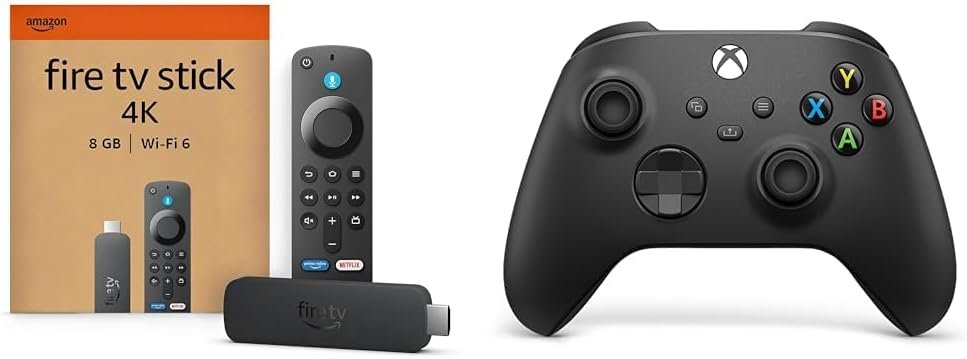
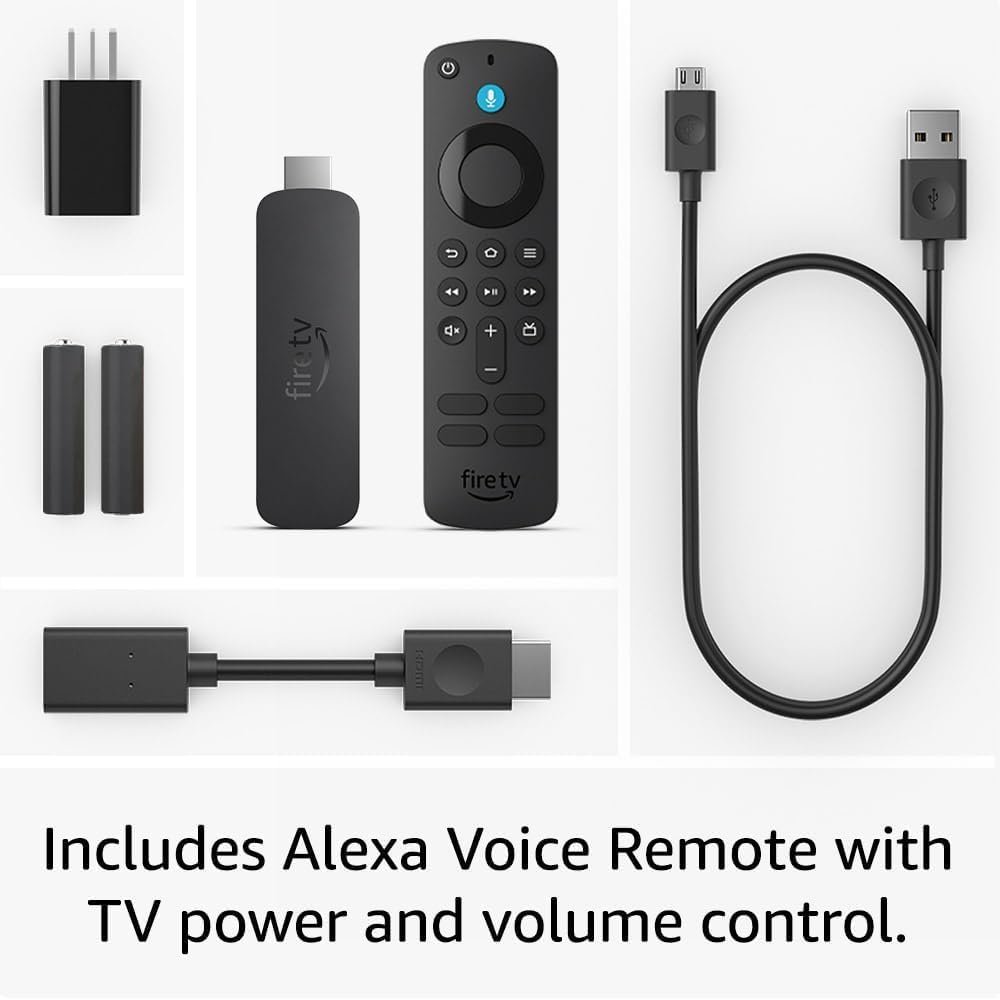
Included in the box | Fire TV Stick 4K (2nd generation), Alexa Voice Remote, power cable and power adaptor, HDMI extender cable for Fire TV Stick 4K (2nd generation), 2 x AAA batteries and Quick-Start Guide. |
Software security updates | This device receives guaranteed software security updates until at least four years after the device is last available for purchase as a new unit on our websites. Learn more about these software security updates. If you already own a Fire TV, visit Manage Your Content and Devices for information specific to your device. |
Alexa Voice Remote
Size | 38.68 mm x 141.3 mm x 17.6 mm |
Weight | 45 g (without batteries) |
Batteries | 2 x AAA (included) |
Technology | Bluetooth |
Compatibility | Fire TV Stick 4K (1st generation and later), Fire TV Stick 4K Max (1st generation and later), Fire TV Stick (3rd generation) |
Specification: Amazon Fire TV Stick 4K, supports Wi-Fi 6, Dolby Vision/Atmos, HDR10+
|
9 reviews for Amazon Fire TV Stick 4K, supports Wi-Fi 6, Dolby Vision/Atmos, HDR10+
Add a review
Related Products





£59.99

Shaban –
It was quick to set up and I needed an extension to reach my socket. The cable supplied is a bit in the short side. The HDMI extension isn’t the most useful but can be depending on the HDMI ports on your TV or monitor. Overall the picture and sound are fantastic and very easy to navigate menu. The remote is compact and just perfect, the quality of the product is excellent. Very pleased with the purchase.
Big Bill –
At the price it’s a no brainier just for a back up. Does everything you need and more.
Stevie fella –
Brilliant product, which works seamlessly with TV in house, as well as the caravan when connected to hotspot.All the apps you need on this which means we don’t need to configure smart tv, which is a bit more hassle and has less content.Picture and sound quality is great and we probably only use half the features available on it.A must have for anyone with prime tv and other subscriptions where the apps are available.
Mr. B. J. Hunt –
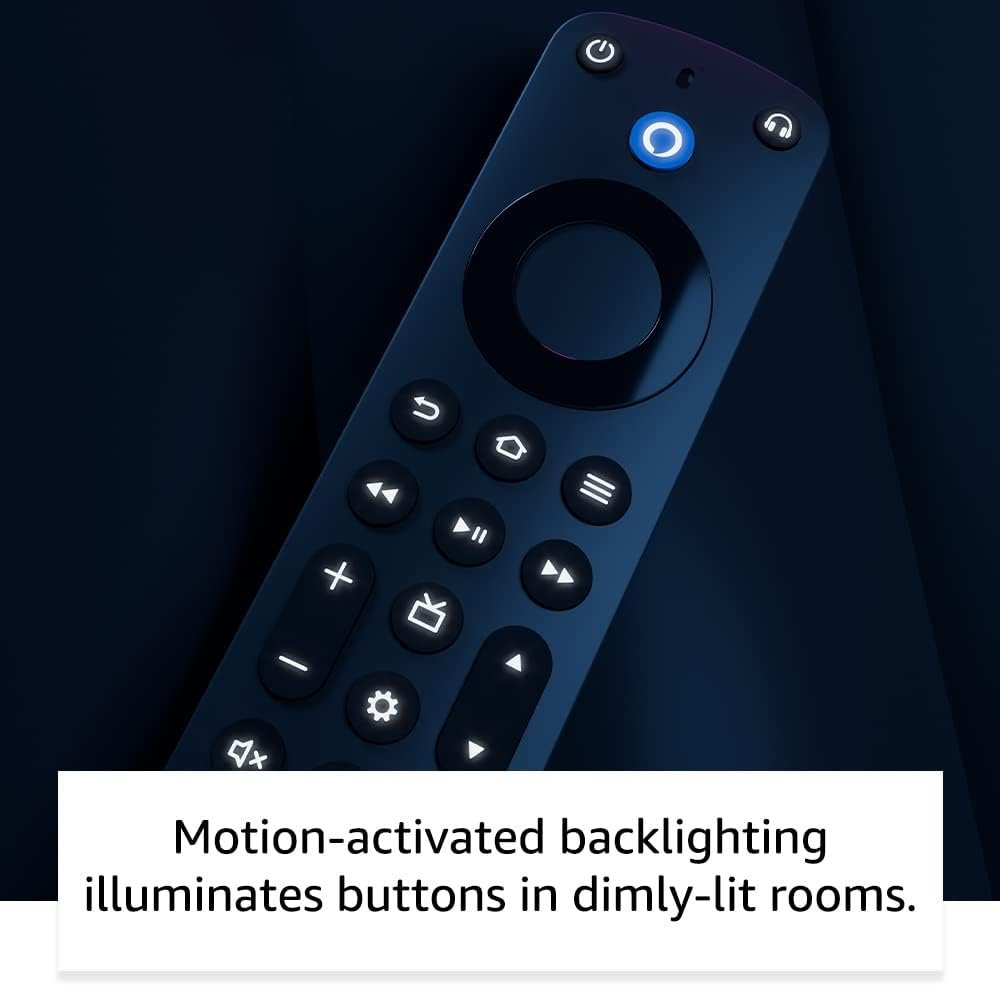
I am using this device as intended and not to side load Android apps to use as Captain Jack Sparrow might.Setup is easy, logging into apps is made easy too without the need to remember your passwords (as long as you are logged in already on another device).My only complaint is that I wish the remote had some kind of illumination as I use it in conjunction with a projector and hence the room is dark. My muscle memory will eventually remember where all the buttons are, but initially it’s a bit of an inconvenience.
Graeme –
brilliant, worked straight from the box and easiest up
sarah brady –
Never had a problem with these fire sticks plug in connect ro wife log into ur apps and off u go bought a couple
The Oracle 2025 –
I have a couple of previous gen fire sticks. So this is very much of an upgrade. Streaming is awesome, watch the expanse, stunning in 4k.Then i trying Luna. You need some sort of joypad, Xbox or ps4 for me. Synched it, and within 3 minutes I was playing Fortnite on Xbox live. Then I changed to Luna, i was playing Indiana Jones and the Great Circle. Currently £70 on Amazon if you want it on disc on ps5 or £70 to buy on DL on Xbox. I got to play it with my prime subscription, which was amazing, as it just works. Very impressive.A great streaming stick. Esp, since Google is busily destroying its Chromecast, disabling the function, where you could stream what was on your Chromebook onto you Chromecast. One of its best features.
J. GALLAGHER –
We’ve been using one of the original 1080p Fire Sticks since 2019 and it’s been great. No brainer to get this 4K upgrade version, especially with the Black Friday sale price (I paid £40 for the original version back in 2019 this is £15 cheaper in the sale!). Wifi 5GHz bands are improved to Wifi 6 standards (not to be confused with WiFi 6E which also adds an extra 6GHz band) and the quad-core processor is upgraded from 1.3GHz to 1.7GHz which definitely gives an improved faster experience when navigating the interface. 4K video is excellent when available, but the 1080p picture is still great for the majority of programmes.I’m not sure they really need to include a 5W (1 amp) USB charger considering how commonly available they are these days and in fact the stick works fine powered from a spare USB port on my projector (initially I got a message saying it was under-powered but it works fine and that message has not reappeared since an update was installed automatically). But I wish they started using USB-C rather than micro-USB for the power port, I will take care not to lose the good quality 1m micro-USB cable included. Batteries are included for the remote (2x AAA) which is nice and the remote has the same excellent voice activation capabilities of our older device.Apps install quickly, I have tested Amazon Prime Video, YouTube, BBC iPlayer, ITVx, Channel 4, Channel 5 and Pluto TV – all work great and set up just requires entering an activation code for each service on your phone or computer where you have an account registered.The only small annoyance I have is that you still can’t turn the device off by pressing the power button on the remote, you have to press the home button for a few seconds and the select the “sleep” option from the onscreen menu that appears. The number of times I’ve pressed the power button only for it to turn off the TV instead…
tlovertonet –
When I originally commented I clicked the “Notify me when new comments are added” checkbox and now each time a comment is added I get three e-mails with the same comment. Is there any way you can remove people from that service? Thanks!
http://www.tlovertonet.com/